Back to blog home
Mobile Access Control: How It Works & What to Look For (2026)
by Team Rhombus, on June 23rd, 2026
Physical SecurityOverview
- Mobile access control issues and manages door credentials on a smartphone, replacing plastic key cards with credentials administrators grant and revoke from the cloud.
- Four credential types dominate: Bluetooth (BLE), NFC, QR code, and app-based.
- Mobile credentials remove physical card logistics, enable instant remote revocation, and produce detailed audit trails.
- Before buying, demand cloud-native management, native camera and sensor integration, multi-site scalability, and a proven cybersecurity posture including SOC 2.
What is Mobile Access Control
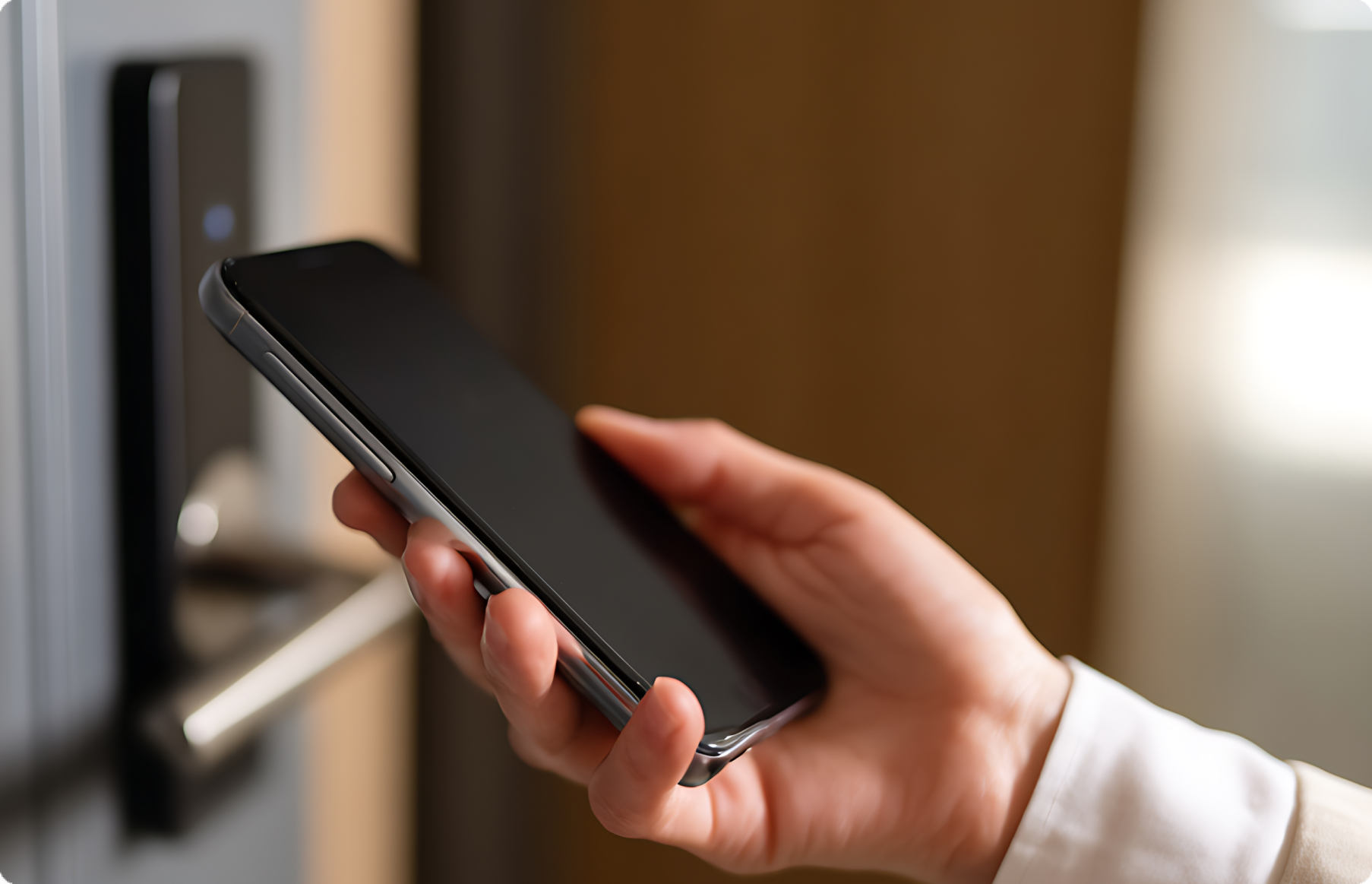
Mobile access control replaces physical key cards and fobs with digital credentials stored on a smartphone, then manages those credentials through software rather than a stack of plastic. A user holds their phone near a reader, and the system verifies the credential and releases the door. The phone is the visible part. The credential and the management software behind it are what actually run the system.
The credential is a unique digital key issued to a specific person and tied to specific doors and times. You issue it remotely, change its permissions in seconds, and revoke it the moment someone leaves the company. That control lives in a cloud console an administrator opens from any browser, so you never touch the door hardware to add or remove access.
Treating mobile access control as a credential delivery and management system explains why it matters for commercial and enterprise buyers in 2026. Physical credentials force you to print cards, ship them between sites, track lost ones, and re-key readers when a batch goes missing. Cloud-managed mobile credentials remove that logistics burden entirely. A facilities team running ten buildings can provision a new hire’s phone access before their first day without anyone visiting a single door.
How Mobile Access Control Works
A mobile access control system moves through three stages every time someone approaches a door. An administrator provisions a credential, the phone and reader complete a handshake, and a backend verifies the request before the lock releases. Each stage runs on different hardware, and understanding where the work happens explains why these systems behave differently from card-based ones.
Provisioning the credential
Provisioning starts in a cloud dashboard, not at the door. An administrator assigns a digital credential to a user, sets which doors and time windows that credential covers, and pushes it to the user’s phone over the internet. The credential lands in a mobile app or a digital wallet, encrypted and tied to that specific device. No one prints a card or hands over a physical token, so a new hire in another city can receive working access in minutes.
The reader-to-device handshake
At the door, the reader and the phone exchange signals to confirm the credential is present and authentic. A Bluetooth Low Energy reader detects the phone within a configured range, while an NFC reader requires a tap within a few centimeters. The reader does not trust the phone on proximity alone. It requests a cryptographic exchange, and the app responds with a signed token that proves the credential is genuine and has not been copied. That exchange happens locally, so it works even when the phone has no cell signal because the credential already lives on the device.
Backend authentication and door release
After the handshake, the system checks whether the credential is still valid before granting entry. In most cloud-native systems, the reader or a local controller confirms the credential against permission rules, then verifies revocation status against the cloud when a connection is available. If an administrator revoked access an hour earlier, the system blocks entry. Once the check passes, the controller sends a signal to the door hardware and the lock releases. The cloud records the event with a timestamp, the user, and the door, building an audit trail without any manual logging.
Mobile Credential Types Compared
Four credential technologies dominate mobile access today, and each makes a different bet on convenience versus security. The right choice depends on how your doors are configured, how fast users need to get through them, and how much you trust the reader hardware already installed.
Bluetooth Low Energy (BLE) reads a phone from several feet away, so a user can unlock a door without taking the phone out of a pocket. That range is the convenience and the risk. A BLE signal can be relayed by an attacker positioned between the phone and the reader, so well-built systems pair BLE with rotating tokens and proximity checks to defeat relay attacks.
NFC works only at touch range, which removes most relay attacks but forces users to tap the phone against the reader. NFC also depends on the phone’s hardware, and Apple restricts NFC access on iPhones in ways that have historically complicated deployments. When the reader and the operating system both cooperate, NFC delivers a fast, secure tap.
QR and barcode credentials need no special reader chip, just a camera or scanner, which makes them the cheapest option for visitor passes and temporary access. The tradeoff is that a QR code is an image. Anyone who screenshots or photographs it can reuse it unless the system enforces short expiration windows and single-use codes.
App-based credentials run the authentication logic inside a dedicated app rather than the phone’s wallet, which gives the vendor room to add multi-factor prompts, geofencing, and live revocation. The cost is friction, because the user must install, log in to, and keep the app current. For high-security sites that already require staff to carry a corporate app, that friction is minor.
| Technology | Typical range | Reader requirement | Key tradeoff |
|---|---|---|---|
| Bluetooth (BLE) | Up to several feet | BLE-capable reader | Hands-free convenience, but needs relay-attack protection |
| NFC | Touch range | NFC-capable reader, OS cooperation | Strong against relay attacks, limited by iPhone NFC restrictions |
| QR / barcode | Camera line of sight | Camera or scanner | Cheap and reader-light, but codes can be copied without expiration controls |
| App-based | Varies by underlying radio | App install plus compatible reader | Supports MFA and geofencing, but adds setup friction |
Most enterprise deployments mix these rather than standardize on one. Staff carry a BLE or app credential, and visitors receive a time-limited QR pass.
Mobile Credentials vs. Traditional Key Cards
A key card costs money every time you issue one, and a mobile credential costs nothing after the reader hardware is in place. Every plastic card you print, encode, and hand out carries a per-unit cost, and that cost repeats with every new hire, contractor, and replacement. Mobile credentials live in the cloud, so issuing one to a new employee takes a few clicks in a console and reaches their phone the same day. No printer, no card stock, no front-desk handoff.
Lost credentials expose the real weakness of card systems. When an employee misplaces a key card, you often learn about it hours or days later, and during that gap anyone holding the card can walk through your doors. People treat a lost phone differently. They notice within minutes, report it fast, and the phone itself is locked behind a PIN or biometric, so a found device does not hand over building access the way a found card does.
Revocation lag is where mobile access control earns its keep. Disabling a card across a legacy panel-based system sometimes requires a technician to push changes to local controllers, and until that happens the card still opens doors. With cloud-managed mobile credentials, you revoke access from anywhere and the change applies the moment the reader checks the backend. Consider offboarding a remote employee who never returns to the office. With cards, their credential physically leaves with them and stays valid until someone disables it. With a mobile credential, you cut access before the exit call ends.
Audit fidelity rounds out the case. Card systems log a credential number at a door, but they cannot confirm who carried the card. Mobile credentials tie each entry to an authenticated phone and user account, which produces a cleaner record for investigations and compliance reviews. When you pair that record with the access events stored in a cloud platform, you get a searchable history rather than a stack of controller logs nobody wants to pull. That difference matters most after an incident, when you need to know exactly who entered and when.
Key Benefits of Mobile Access Control
Mobile access control replaces the slow, physical work of managing credentials with administrative actions you can take from anywhere in seconds. For a commercial or enterprise buyer evaluating a migration, the case rests on four benefits that each fix a specific gap that key-card systems leave open.
Remote management and instant revocation
You can issue or revoke a mobile credential from a browser without ever touching a door or handing someone a card. When an employee leaves, you cut their access the moment HR confirms the departure, not the next day when someone collects a badge. A lost or stolen card forces a manual reissue and, in older systems, leaves a window where the credential still works. A revoked mobile credential stops working immediately, which closes the lag that creates real exposure during offboarding.
Visitor workflows
Mobile credentials let you send a contractor or guest a time-limited pass before they arrive, then expire it automatically when the visit ends. A front desk no longer manages a drawer of temporary cards that get kept, copied, or lost. For a property managing dozens of daily visitors across floors, sending a credential by email or text and watching it expire on schedule removes the reconciliation work that paper logs and loaner badges create.
Lost credential recovery
A lost phone is far easier to handle than a lost card because the credential lives in software you control. You revoke the old credential and provision a new one to a replacement device in minutes, with no physical inventory to track. Phones are also more likely to be reported missing quickly and protected by a PIN or biometric lock, so a misplaced device carries less risk than a card someone can pick up and walk through a door with.
Audit trail depth
Every mobile credential event ties a specific identity to a specific door at a specific time, which gives investigations a clean record instead of a guess. Shared or cloned key cards muddy that record because you cannot prove who actually used a credential. When you need to reconstruct who entered a sensitive area during an incident, a mobile system gives you a per-person log, and pairing that log with camera footage turns an entry record into verified evidence.
Card-based systems carry a hidden cost for each of these gaps. Revocation lag, temporary badge inventory, lost-card reissue cycles, and shared-credential ambiguity all consume administrative time and leave security exposure. Moving credentials into software closes all four.
What to Look For in a Mobile Access Control System
A spec sheet tells you what a system can do under ideal conditions. The questions below tell you how it will behave in your building, with your sites, under your security team. Use them to push past marketing language and into how the product actually operates.
Is the management platform cloud-native or just cloud-connected?
Ask whether the vendor built the software in the cloud or bolted a web portal onto legacy on-premise hardware. A cloud-native platform runs credential management, updates, and reporting from a browser with no on-site server to patch. Cloud-connected legacy systems often route everything through a local appliance, which means firmware updates, version drift, and a single point of failure at each site. The difference shows up the first time you need to push a policy change to forty doors and find out half of them require a technician visit.
Does access control share a platform with cameras and sensors?
Ask the vendor whether door events and video live in the same console or in separate tools you stitch together. When a credential unlocks a door, you want the matching video clip one click away, not in a second system with its own login and timestamps that never quite match. Native integration with cameras and environmental sensors lets you confirm who actually walked through the door, not just whose phone authenticated. Without it, every investigation becomes manual correlation across dashboards.
How does the system scale across multiple sites?
Ask how the platform handles a new building. A system designed for one location often forces you to manage each site as a separate instance, with duplicated user records and no shared reporting. A multi-site platform gives you one user directory, role-based permissions that span locations, and a single view of access events across the portfolio. Test this by asking how you would offboard an employee who has badge access at five sites. The good answer is one action.
What does the cybersecurity posture actually cover?
Ask for specifics on encryption, identity controls, and third-party audits rather than accepting a general claim that the product is secure. Look for end-to-end encryption on credentials in transit and at rest, and a zero-trust model that verifies every request rather than trusting devices inside the network. SOC 2 (a security and availability audit standard) signals that an independent auditor reviewed the vendor’s controls. A vendor who cannot name their audits or describe their encryption is asking you to take security on faith.
Is the ecosystem open or proprietary?
Ask whether the system integrates with identity providers, video tools, and HR software through a documented open API, or whether it locks you into one vendor’s hardware and roadmap. A proprietary ecosystem can work well until you need a reader, a lock, or an integration the vendor does not offer, at which point you are stuck. Open integration support lets you connect the directory you already use for single sign-on and automate credential provisioning when HR adds or removes an employee. The narrower the supported integrations, the more manual work lands on your team later.
How Rhombus Unifies Mobile Access Control with Physical Security
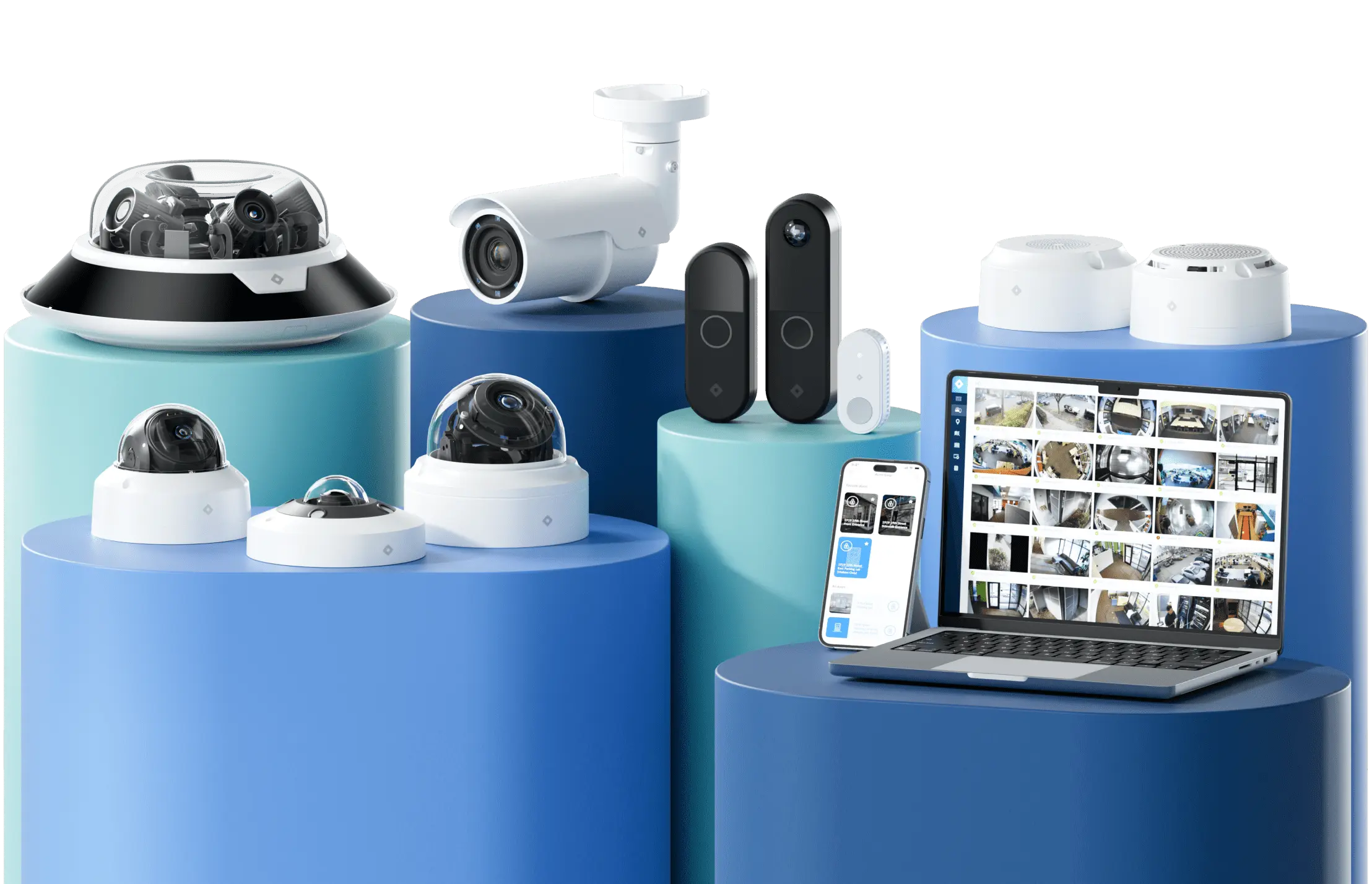
Rhombus runs mobile access control and video surveillance from one console, so you stop jumping between an access dashboard and a separate camera system to answer a single question. When a door reads a mobile credential, the matching camera footage sits next to that event in the same interface. You no longer export an access log, note the timestamp, then dig through a video archive to find the clip that corresponds to it. That manual cross-system correlation is where investigations stall, and a unified platform removes the step entirely.
Rhombus tags events at the edge, so you can search for a person at a specific entrance during a time window without scrubbing hours of recording. When an access event looks unusual, such as a credential used at a site the employee rarely visits, the platform surfaces the related footage and sensor readings in the same view. Door state, camera angle, and environmental sensor data appear together, so you reconstruct the sequence in one console rather than three.
For multi-site operations, the cloud-native architecture is the part that scales without adding administrative weight. You manage credentials, doors, and cameras across every location from the same console, and you push a credential change to a building in another state without sending anyone on-site. Adding a new facility means connecting devices to the existing account, not standing up a separate server or local controller for each building. Permissions, audit trails, and analytics stay consistent whether you run two sites or two hundred.
The integration is native, not bolted on through a third-party bridge. Cameras, access readers, environmental sensors, and analytics share one data model and one security posture, so a SOC 2 certified platform covers the whole system rather than each piece carrying its own. That matters when you evaluate the criteria from the previous section. A single vendor with documented open API support and unified management answers more of those buyer questions than a stack of point solutions you wire together yourself.
Rhombus is best for: Multi-site commercial and enterprise teams that want mobile access control, video surveillance, and AI analytics managed from one cloud-native console, without stitching together separate point solutions.
See how the unified console handles mobile credentials and video in one view by requesting a demo. You can also explore Rhombus access control and the security camera systems that share the same platform.
Conclusion
Choose your credential type by matching it to your traffic pattern. Bluetooth suits hands-free vehicle gates and high-volume entrances, NFC fits fast tap-to-enter doors, and QR codes handle visitors and contractors who should not install an app. Once you settle the credential question, the platform decides everything else. A cloud-native system that unifies access control with cameras, sensors, and AI analytics in one console beats stitching together separate point solutions that never share context. You manage credentials, review door events, and watch the matching video without switching tools. Request a demo to see how Rhombus runs mobile access and physical security from a single platform.
FAQs
Do mobile credentials work without cell service?
Most mobile credentials work without an active cellular or Wi-Fi connection because the credential lives on the phone after it has been provisioned. The reader and the phone communicate directly over Bluetooth or NFC, so the door release does not depend on the internet at the moment of entry. Rhombus stores the credential on the device, which means an employee can badge in even when their phone shows no signal in a stairwell or parking garage.
How do you handle employees who don’t have smartphones?
Issue physical credentials alongside mobile ones, since most cloud access systems support both from the same management console. A visitor, contractor, or employee without a compatible phone can carry a key card or fob while everyone else uses a mobile credential. Rhombus lets you manage card-based and mobile credentials together, so you avoid running two separate systems for one workforce.
What happens when a phone battery dies?
A dead battery blocks Bluetooth and NFC credentials because the phone cannot power its radio to talk to the reader. Plan for this by keeping a backup credential type at high-traffic doors or by issuing a physical card to anyone who needs reliable access. Some NFC implementations draw a small charge from the reader, but you should not assume that behavior across every phone model.
How does mobile access control handle visitor credentialing?
Administrators send a time-limited mobile credential to a visitor’s phone before they arrive, often through an email or text link. The credential activates for a set window and expires automatically, which removes the need to print badges or collect them at checkout. Rhombus ties each visitor entry to a timestamped record and to camera footage, giving you a clear audit trail for anyone who enters the building.
%20--%3e%3csvg%20version='1.1'%20id='Layer_1'%20xmlns='http://www.w3.org/2000/svg'%20xmlns:xlink='http://www.w3.org/1999/xlink'%20x='0px'%20y='0px'%20viewBox='0%200%20110%20110'%20style='enable-background:new%200%200%20110%20110;'%20xml:space='preserve'%3e%3cstyle%20type='text/css'%3e%20.st0{fill:url(%23SVGID_1_);}%20%3c/style%3e%3cg%3e%3clinearGradient%20id='SVGID_1_'%20gradientUnits='userSpaceOnUse'%20x1='25.325'%20y1='766.725'%20x2='84.725'%20y2='707.325'%20gradientTransform='matrix(1%200%200%201%200%20-682)'%3e%3cstop%20offset='0'%20style='stop-color:%23006F94'/%3e%3cstop%20offset='1'%20style='stop-color:%2300C1DE'/%3e%3c/linearGradient%3e%3cpath%20class='st0'%20d='M106.9,47.5L62.5,3.1c-4.1-4.1-10.9-4.1-15,0L3.1,47.5c-4.1,4.1-4.1,10.9,0,15l44.4,44.4%20c4.2,4.2,10.9,4.2,15.1,0L107,62.5C111,58.4,111,51.6,106.9,47.5z%20M55.5,71.2c-9.4,0.3-17-7.3-16.7-16.7C39.1,46,46,39.1,54.5,38.8%20c9.3-0.3,17,7.3,16.7,16.7C70.9,64,64,70.9,55.5,71.2z'/%3e%3c/g%3e%3c/svg%3e)
Related Articles