Back to blog home
Apartment Security Cameras: A Property Manager's Buyer Guide
by Team Rhombus, on August 20th, 2026
Physical SecurityQuick Summary
- Apartment communities require coverage across shared entrances, hallways, parking areas, package rooms, and amenities while preserving privacy inside leased units.
- Buyers should evaluate wide-angle coverage, night vision, license plate recognition, access control integration, video intercoms, and remote monitoring. Performance can vary by camera model, placement, and lighting.
- Cloud-managed platforms give regional managers centralized access to footage and alerts, while older digital video recorder and network video recorder systems often require on-site review.
- Our Rhombus platform connects cameras, access events, intercom activity, and supported license plate recognition in one dashboard for multiple buildings and communities.
Request a Rhombus demo to see how centralized property monitoring could work across your portfolio.
Why apartment communities are harder to secure than a single site
Apartment communities combine public-facing spaces with private homes, which makes camera planning more complex than at a typical commercial site. Residents, guests, couriers, maintenance workers, and other vendors may use the same entrances and hallways throughout the day. Property managers need clear coverage of shared spaces while preserving privacy inside leased units.
Each common area also presents different coverage conditions. A parking garage may require low-light performance and carefully placed cameras around ramps, entrances, and parked vehicles. Surface lots and walkways may need longer viewing distances, with results that depend on lighting, camera position, and lens choice. Lobbies, mailrooms, and package areas need enough detail to review deliveries and identify who entered the area.
Amenity spaces add another layer to camera planning. Pools, gyms, lounges, and courtyards may sit far from the management office or remain accessible outside office hours. Camera placement should cover entrances and shared activity areas without recording through apartment windows or into other private spaces.
Large communities can spread one incident across several buildings. A vehicle might enter through a gate, stop in a surface lot, and appear later near a hallway or package room. If each area uses an isolated recorder, staff may need to search several systems and manually connect the footage.
A generic commercial camera checklist may focus on camera count, resolution, and storage. Multifamily buyers also need to evaluate privacy boundaries, changing light conditions, varied common spaces, and oversight across multiple buildings. Those operational requirements should guide camera selection and placement throughout the property.
What to look for in an apartment security camera system
Wide-angle and multisensor cameras should match the shape of each common area. Wide-angle models can cover lobbies, courtyards, and package rooms where one broad view helps you follow activity. Multisensor cameras can capture several directions from one mounting location, which may reduce coverage gaps at intersections or building corners. Actual coverage depends on camera placement, mounting height, lens choice, and obstructions.
Night vision should preserve useful detail in parking areas and walkways. Evaluate whether a camera can capture recognizable people and vehicles under the lighting conditions at your property. Test likely mounting positions after dark because distance, glare, shadows, and nearby lights can affect image quality.
License plate recognition should support vehicle searches at controlled entry points. License plate recognition, or LPR, records plate details so you can search for vehicles connected to a gate event or parking incident. Effective capture depends on vehicle speed, camera angle, lighting, distance, and the camera model. Place LPR cameras where vehicles pass through a predictable lane rather than relying on a general overview camera.
Access control and video intercom integrations should connect entry events with footage. When a resident uses a credential or a visitor requests entry, an integrated platform can associate that event with nearby video. You can review who entered, which credential they used, and what happened next without matching timestamps across separate systems.
Cloud-based monitoring should give managers one view across properties. A regional manager should be able to check live video, review recordings, manage alerts, and investigate incidents without visiting each building. Look for permissions that limit staff access by property or role, along with centralized health reporting that identifies offline cameras or connection problems. Apartment security cameras provide more operational value when one dashboard covers the full portfolio while preserving appropriate access boundaries.
Legacy on-site DVR/NVR vs. cloud-managed platforms
Older digital video recorder (DVR) and network video recorder (NVR) deployments often tie cameras and stored footage to one property. A regional manager may need an employee or technician to access the recorder, export a clip, and send the file. When each community runs a separate recorder, the manager cannot review the full portfolio through one interface.
Local recorders also create separate maintenance duties at every property. You must monitor storage capacity, install software updates, manage user access, and replace failed equipment. Remote access may be possible in some deployments, but separate logins and interfaces can make portfolio-wide oversight difficult.
Cloud-managed platforms give regional managers a central dashboard for cameras, alerts, and user permissions across multiple communities. A manager can review an event, share footage, or check device status without traveling to the property. Central administration also lets you update permissions and software across sites without maintaining a recorder at each building.
Cloud management does not remove the need for careful camera placement, reliable networking, and appropriate retention settings. It changes how managers reach and administer the security system. For a portfolio manager responsible for several communities, centralized access can reduce delays when an incident requires footage or a remote response.
Rhombus
Rhombus fits regional and portfolio property managers who need one view across multiple buildings and communities. Our cloud-managed architecture brings cameras, alerts, device health, and user permissions into a shared console. Authorized managers can review activity at one property or move between locations without connecting to separate recorders.
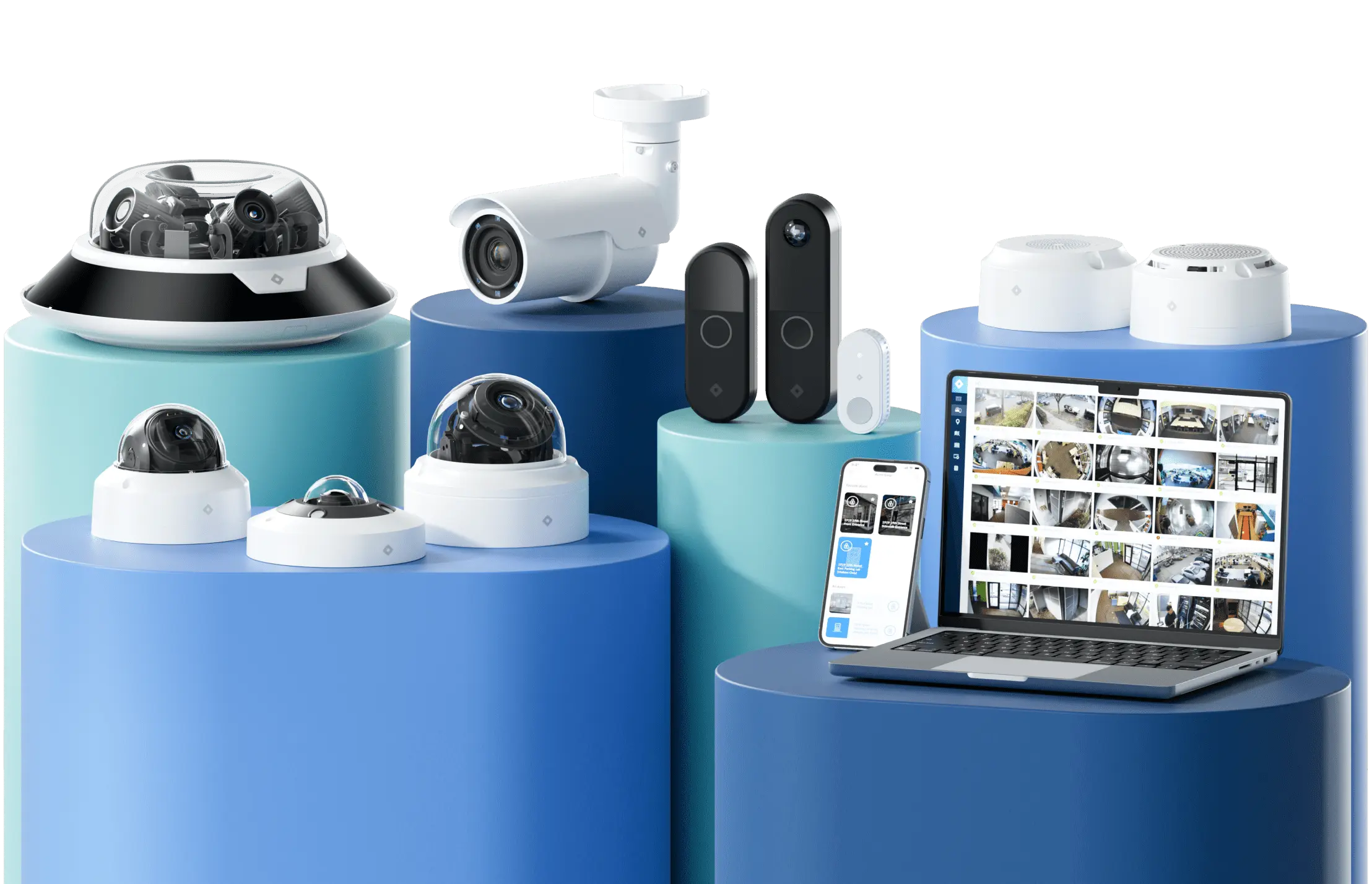
Our camera portfolio includes wide-angle and multisensor options that can cover lobbies, courtyards, parking areas, and other shared spaces. Rhombus also offers native license plate recognition on supported devices. Plate capture and nighttime image quality depend on the selected model, camera angle, distance, vehicle speed, and available lighting, so buyers should validate each entry or parking location during planning.
Our cloud-managed security platform connects video with access control and video intercom functions. When a resident presents a credential or a visitor uses an intercom, an authorized manager can review the access event with related video in the same platform. Central records make it easier to investigate denied entry attempts, verify visitor access, and manage credentials across communities.
- Pros. Rhombus centralizes multi-property video, access events, alerts, and administration while supporting camera options for varied common areas.
- Cons. Buyers must match cameras, analytics, placement, networking, and licensing to each property rather than assume one configuration will suit every location.
Pricing: Rhombus provides deployment-specific pricing based on the required hardware, cloud licensing, retention choices, and property count. Buyers can review the pricing approach and request a quote for their portfolio.
How the pieces work together on one platform
A unified platform connects each entry event with the people, vehicles, credentials, and video involved. Property staff can investigate activity through one timeline instead of matching timestamps across separate camera, gate, and intercom systems.
For example, a visitor arrives at a gated entrance and calls a resident through the video intercom. A property manager can view the visitor remotely, speak with them, and grant access. A supported camera can also capture the vehicle and plate when camera placement, lighting, angle, and model capabilities support license plate recognition. The platform records the access decision with the related footage.
If a package later goes missing, staff can search around the delivery time and review the package room, nearby hallway, and relevant entry event. Wide-angle or multisensor views can provide context around the person’s route through shared areas. Staff can then export the useful footage without collecting unrelated clips from several systems.
Rhombus brings cameras, access control, video intercoms, native license plate recognition, and remote monitoring into one console. Regional managers can review incidents or assist on-site staff without traveling to the property, while role-based permissions can limit each employee to the communities and functions they manage.
Which setup fits your property
A single-building operator should prioritize coverage at recurring incident areas. Place wide-angle or multisensor cameras around shared entrances, package areas, and amenities. For parking lots and walkways, test night vision under the property’s actual lighting conditions. License plate recognition may help at gated entries when camera angle, distance, and lighting support clear plate capture.
A regional or portfolio manager should prioritize centralized oversight. A cloud-managed platform lets you review cameras, access events, and alerts across multiple communities without visiting each property. Rhombus fits this model by bringing video, access control, and video intercom activity into one dashboard.
A property replacing aging digital video recorder or network video recorder hardware should focus on operational access. Compare the work required to retrieve local footage with the ability to review events remotely through a cloud-managed platform. Your evaluation should also cover how cameras connect with resident credentials and entry events, since integrated records can shorten incident review.
Comparison at a glance
A cloud-managed platform gives portfolio managers broader centralized control, while actual camera performance still depends on model selection, placement, lighting, and site conditions.
| Approach | Coverage flexibility | Night vision | License plate recognition | Access and intercom integration | Multi-site monitoring |
|---|---|---|---|---|---|
| Cloud-managed platform like Rhombus | ✅ Wide-angle and multisensor options | ✅ Available on supported models | ✅ Native capability with suitable placement | ✅ Video and entry events share one platform | ✅ Central dashboard across properties |
| Legacy on-site DVR or NVR | 🟡 Expansion may require local hardware | 🟡 Varies by installed cameras | 🟡 May require separate tools | 🟡 Often managed through separate systems | ❌ Usually limited by building-level recorders |
Frequently asked questions
Where can apartment security cameras record without compromising resident privacy?
Apartment cameras generally cover shared areas such as entrances, hallways, parking areas, lobbies, and package rooms rather than spaces inside leased units. With Rhombus, you can place cameras around common areas and manage viewing permissions based on staff responsibilities. Careful placement gives property staff useful footage while preserving privacy inside apartments.
How does license plate recognition work at a gated apartment entrance?
License plate recognition captures visible plate information and connects it with footage of a vehicle entering or leaving the property. Rhombus offers native license plate recognition, though accuracy can vary with camera placement, lighting, vehicle speed, plate condition, and camera model. Property staff can use searchable plate records to investigate gate incidents without reviewing hours of video.
How many properties can one cloud dashboard realistically cover?
A multi-site dashboard gives authorized staff one place to view cameras, alerts, and related security events across separate properties. The Rhombus cloud-managed platform supports centralized oversight for distributed buildings and apartment communities. Your practical deployment size will depend on camera count, network capacity, permission design, and the staff available to review alerts.
How long should an apartment property retain security footage?
A retention period determines how long recorded video remains available before the platform deletes or replaces it. Rhombus retention options depend on the selected hardware and licensing configuration. You should choose a period that reflects incident discovery times, insurance needs, lease policies, and applicable privacy requirements.
Get a look at Rhombus for your properties
Modern apartment security gives regional managers one view across buildings and communities. Centralized video, access events, and alerts let you review incidents remotely, coordinate a response, and avoid traveling to each property to retrieve footage.
Our cloud-managed platform brings those records together for property managers responsible for distributed portfolios. Request a Rhombus demo to see how one platform can support your multifamily properties.
%20--%3e%3csvg%20version='1.1'%20id='Layer_1'%20xmlns='http://www.w3.org/2000/svg'%20xmlns:xlink='http://www.w3.org/1999/xlink'%20x='0px'%20y='0px'%20viewBox='0%200%20110%20110'%20style='enable-background:new%200%200%20110%20110;'%20xml:space='preserve'%3e%3cstyle%20type='text/css'%3e%20.st0{fill:url(%23SVGID_1_);}%20%3c/style%3e%3cg%3e%3clinearGradient%20id='SVGID_1_'%20gradientUnits='userSpaceOnUse'%20x1='25.325'%20y1='766.725'%20x2='84.725'%20y2='707.325'%20gradientTransform='matrix(1%200%200%201%200%20-682)'%3e%3cstop%20offset='0'%20style='stop-color:%23006F94'/%3e%3cstop%20offset='1'%20style='stop-color:%2300C1DE'/%3e%3c/linearGradient%3e%3cpath%20class='st0'%20d='M106.9,47.5L62.5,3.1c-4.1-4.1-10.9-4.1-15,0L3.1,47.5c-4.1,4.1-4.1,10.9,0,15l44.4,44.4%20c4.2,4.2,10.9,4.2,15.1,0L107,62.5C111,58.4,111,51.6,106.9,47.5z%20M55.5,71.2c-9.4,0.3-17-7.3-16.7-16.7C39.1,46,46,39.1,54.5,38.8%20c9.3-0.3,17,7.3,16.7,16.7C70.9,64,64,70.9,55.5,71.2z'/%3e%3c/g%3e%3c/svg%3e)
Related Articles