Back to blog home
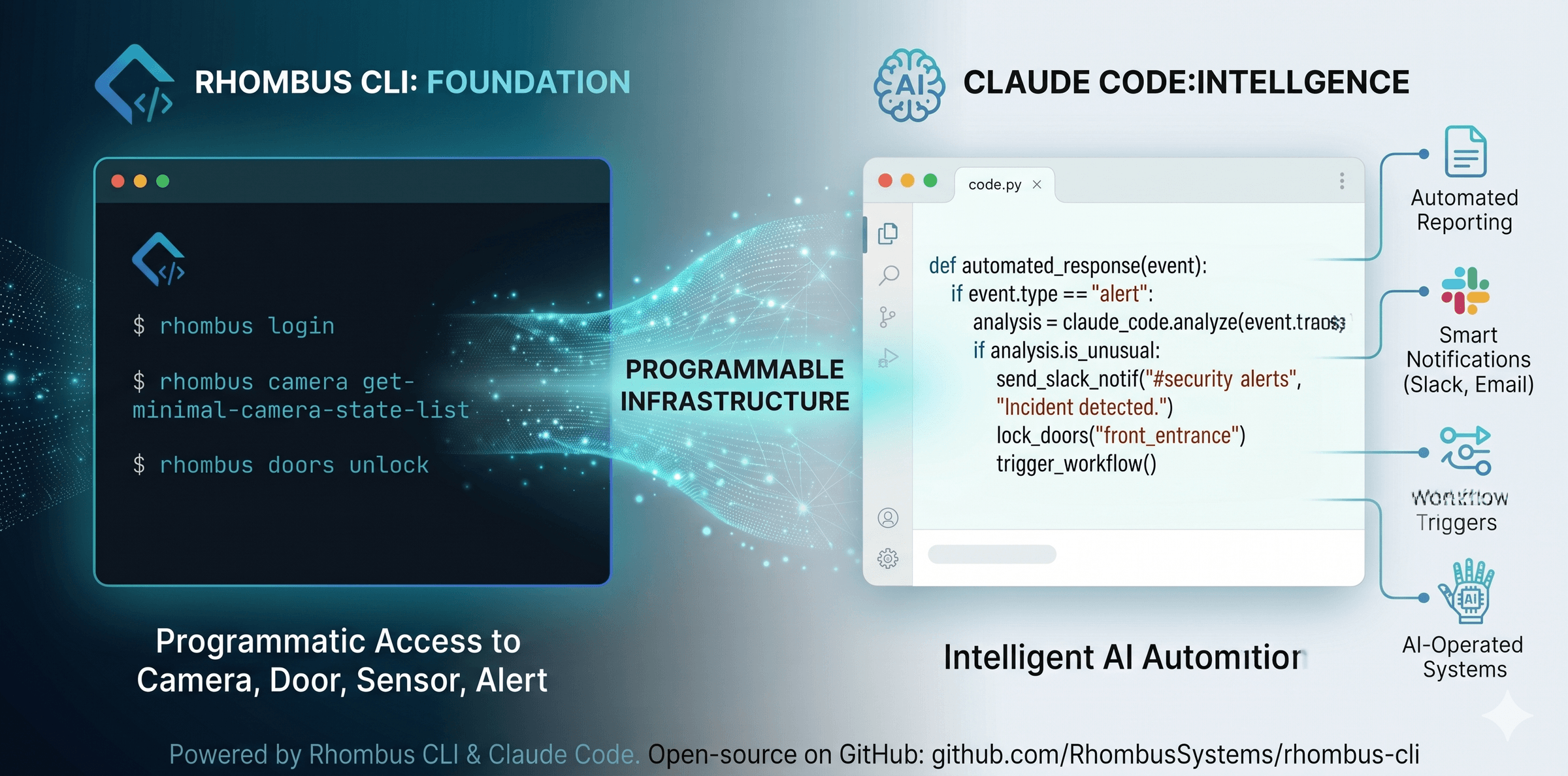
Introducing the Rhombus Plugin for Claude Code
by Jeremy Gulley, on April 22nd, 2026
AI & AutomationRhombus + Claude Series — Getting Started
Claude is an AI assistant from Anthropic — one of the large language models enterprises are using to build the next generation of automated workflows. Claude Code is its developer-focused version, designed to work directly with your tools, code, and infrastructure.
Here’s what matters if you’re not technical: Claude Code can do real work on a computer. It can run commands, read data, and chain operations together on your behalf. Our plugin gives Claude everything it needs to work with Rhombus — so instead of writing scripts or memorizing commands, your team can describe what they want in plain English and Claude handles the rest.
The Rhombus plugin is a package of knowledge, helpers, and safety checks that teach Claude about the Rhombus platform. It knows our CLI commands, our API endpoints, and our data formats. It catches mistakes before they happen. And it adapts to different roles — day-to-day users, developers, partners — so the experience fits whoever is using it.
For the developers:
With Claude Code installed, add the plugin marketplace:
/plugin marketplace add RhombusSystems/claude-code-pluginsEnable the plugin for your role:
/plugin enable rhombus-user(Or rhombus-developer for API work, or rhombus-partner for multi-organization management.)
Then just ask Claude a question:
“List every offline camera across my deployment and group them by location.”
Claude validates your authentication, loads your deployment context, runs the right commands, and returns a plain-English answer.
The payoff: The CLI made Rhombus scriptable. The Claude plugin makes it conversational. Together, they turn your camera system into an interface that works for anyone on your team — from a security analyst who’s never touched code to a senior engineer wiring up an end-to-end integration.
%20--%3e%3csvg%20version='1.1'%20id='Layer_1'%20xmlns='http://www.w3.org/2000/svg'%20xmlns:xlink='http://www.w3.org/1999/xlink'%20x='0px'%20y='0px'%20viewBox='0%200%20110%20110'%20style='enable-background:new%200%200%20110%20110;'%20xml:space='preserve'%3e%3cstyle%20type='text/css'%3e%20.st0{fill:url(%23SVGID_1_);}%20%3c/style%3e%3cg%3e%3clinearGradient%20id='SVGID_1_'%20gradientUnits='userSpaceOnUse'%20x1='25.325'%20y1='766.725'%20x2='84.725'%20y2='707.325'%20gradientTransform='matrix(1%200%200%201%200%20-682)'%3e%3cstop%20offset='0'%20style='stop-color:%23006F94'/%3e%3cstop%20offset='1'%20style='stop-color:%2300C1DE'/%3e%3c/linearGradient%3e%3cpath%20class='st0'%20d='M106.9,47.5L62.5,3.1c-4.1-4.1-10.9-4.1-15,0L3.1,47.5c-4.1,4.1-4.1,10.9,0,15l44.4,44.4%20c4.2,4.2,10.9,4.2,15.1,0L107,62.5C111,58.4,111,51.6,106.9,47.5z%20M55.5,71.2c-9.4,0.3-17-7.3-16.7-16.7C39.1,46,46,39.1,54.5,38.8%20c9.3-0.3,17,7.3,16.7,16.7C70.9,64,64,70.9,55.5,71.2z'/%3e%3c/g%3e%3c/svg%3e)
Related Articles