Back to blog home
What Is a Unified Physical Security Platform?
by Team Rhombus, on June 18th, 2026
Physical SecurityQuick Summary
A unified physical security platform manages video surveillance, access control, intrusion detection, sensors, alarms, and AI analytics from one system built to work together. It differs from integrated setups that bolt separate tools together through APIs after the fact. The payoff for buyers is one interface, one vendor relationship, and security data that connects across components instead of sitting in isolated apps.
A unified physical security platform runs your cameras, access control, intrusion detection, sensors, alarms, and AI analytics as one system designed from the ground up to operate together. The word unified is doing real work here. An integrated system stitches separate products together through SDKs and APIs after each was built independently. This approach is limited and costly. A unified platform shares a single data model, a single interface, and a single update path across every component.
The distinction shows up in daily operation. When access control and video come from one platform, a badge swipe and the camera covering that door already speak the same language. In an integrated stack, that same connection depends on a fragile mapping between two vendors who patch, upgrade, and support their products on separate schedules.
The components stay consistent across the category. You get video surveillance, access control, intrusion and sensor monitoring, alarm management, and AI analytics layered on top of all of it. Some platforms add license plate recognition, environmental sensors, and visitor management to the same console.
This page is written for the people who own these decisions. IT managers care about patching, identity sync, and cybersecurity posture. Security directors care about response time and investigation speed. Facilities leaders care about managing dozens of sites without dispatching someone to each one. At mid-market and enterprise scale, all three usually sit at the same table when a platform gets chosen.
How the Components Work Together
A unified platform treats every device as a source of data that feeds one timeline. A badge swipe at a door does not just unlock it. The access event tags the moment on the camera covering that entrance, so an operator reviewing footage sees who entered and when, side by side, without exporting clips or matching timestamps by hand.
The value shows up when one component catches what another misses. A badge log alone tells you a credential was used. It cannot tell you that two people walked through on a single swipe. AI analytics watching the same door flag that tailgating event and surface the clip, turning a clean badge record into an investigation.
Sensors and alarms close the loop the same way. An environmental sensor that detects vape or smoke can trigger a camera to capture the area and push an alert with video attached, rather than a bare notification an operator has to chase down. When an alarm fires, the system cross-references recent entry data before escalating. A door that was opened by a scheduled, authorized badge looks different from one forced at 2 a.m., and that context cuts false dispatches before a live agent ever gets involved.
The components share one database and one set of rules. You build a lockdown plan once, and it acts on doors, cameras, and sensors at the same time. You write an automated workflow once, and an access event, a motion trigger, and an analytics detection can all start the same response. Nothing has to be stitched across vendor APIs after the fact.
For the operator, the payoff is a single console. Rhombus runs doors, cameras, sensors, and alarm monitoring through one dashboard on desktop or mobile, with access events marked directly on the video timeline (Rhombus access control). You search natural-language descriptions of an event and the system returns the footage, the badge record, and the sensor reading that go with it. The work moves from reconciling separate systems to acting on one picture.
Unified Platform vs. Siloed Point Solutions
A siloed setup stitches together separate products from separate vendors, each with its own software, login, and update schedule. A unified platform is built as one system, so you see the gap in daily operations and in what your team spends time fixing.
| Dimension | Unified Platform | Siloed Point Solutions |
|---|---|---|
| Architecture | One system designed to work together from the start | Separate tools connected through APIs after the fact |
| Upgrades | Updates roll out across the whole system at once | Each tool updates on its own schedule, risking incompatibility |
| Support model | One vendor owns the full stack | Multiple vendors, with finger-pointing when something breaks |
| Cybersecurity | Patches and policies apply uniformly to every component | Patching is fragmented, leaving gaps between vendors |
| User experience | A single interface for cameras, doors, sensors, and alarms | A separate interface for each product |
| Scalability | Add components and sites without re-architecting | Each new tool adds another integration to maintain |
The operational cost of silos is the part buyers underestimate. Your security team toggles between three or four consoles to investigate one incident, then guesses which vendor to call when a feature fails. Tracing a root cause across disconnected systems eats hours that a single console returns to you.
Training compounds the problem. Every new tool means another interface to learn and another set of permissions to manage. Onboarding stretches, and turnover hurts more. A unified platform collapses that overhead into one system your team actually learns once.
Key Benefits of a Unified Physical Security Platform
Operational efficiency comes first because it shows up in daily work. Your security team manages cameras, doors, sensors, and alarms from one dashboard instead of switching between four logins. Training drops to a single interface, which means a new hire learns one system rather than stitching together separate tools with separate quirks.
Faster incident response follows from shared data. When every component reports into the same console, an operator pulls footage tied to an access event in one click rather than reconciling timestamps across systems. Middleby Outdoors cut investigation time from two days to ten minutes after consolidating search onto one platform.
Lower total cost of ownership is the benefit finance teams care about. One vendor relationship replaces several support contracts, so when something breaks you call one number instead of refereeing a blame match between suppliers. Luxer One scaled to more than 11,000 locations on a unified system and estimated roughly $250,000 in cost savings.
A unified cybersecurity posture closes the gap that siloed deployments leave open. In a stack of separately integrated tools, each vendor patches on its own schedule, and an unpatched component becomes the weak link. A platform built as one system applies security updates across every component at once, so your access controllers and cameras stay current together.
Scalability matters when you add sites or capabilities over time. You can start with video and add access control, sensors, and analytics as budgets and needs grow, without ripping out what you already deployed.
The analytics also produce value beyond security. Occupancy tracking, real-time heat maps, and queue analysis turn camera data into operational intelligence facilities and retail teams can act on. A store manager reads foot traffic patterns to staff checkout lanes, and a workplace lead spots underused conference rooms from the same console that runs door access. The same footage that documents an incident also tells you how your space gets used.
What to Look for When Evaluating a Unified Platform
Use this checklist to separate platforms that unify components from those that merely connect them. The questions below map to concerns that outlast any single feature release.
Open architecture and API depth. Ask whether the platform exposes a documented open API with broad integration support. You want to connect identity providers, building systems, and business tools without paying for custom development on every connection.
Native component integration. Check that cameras, access control, sensors, and alarms were built to share data, not stitched together after the fact. Native integration means an access event and its video clip live in the same record, not in two systems you reconcile by hand.
Deployment model. Decide whether you want cloud management or on-premise infrastructure. Cloud platforms handle remote access and automatic updates. On-premise deployments put patching and hardware refresh cycles on your team.
AI analytics depth. Look past the feature names and ask what the analytics actually surface. Natural language video search, occupancy tracking, and license plate recognition only matter if they shorten the time you spend reviewing footage.
Scalability across sites. Confirm the platform manages dozens or thousands of locations from one console. A system that works for one building often breaks down when you add the tenth site.
Cybersecurity and compliance posture. Ask how security updates reach every component and which certifications the vendor maintains, such as SOC 2 (a security audit standard) or NDAA compliance. Uniform patching across the whole platform closes the gaps that fragmented systems leave open.
Vendor support model. A single vendor responsible for the full stack removes the finger-pointing you get when cameras and access control come from different companies. When something breaks, you want one contact who owns the root cause.
Score each platform against these criteria before you score it on price.
Why Cloud-Native Architecture Matters
A cloud-native platform runs its management layer in the cloud while keeping processing at the edge, on the device itself. You manage every site from a browser or mobile app without driving to a location or logging into a local server. The vendor pushes firmware and feature updates automatically, so you never schedule a patching window or chase outdated camera firmware across buildings.
Edge processing keeps the system working when the internet drops. Cameras and door controllers continue recording, granting access, and running analytics locally, then sync once the connection returns. That combination lets you add cameras, doors, and sites without provisioning new servers or hitting a hardware capacity ceiling.
On-premise systems carry the opposite burden. You patch each server by hand, manage each site as its own island, and replace recording appliances on a hardware refresh cycle that rarely lines up with your budget. A failure at one location stays invisible until someone notices the footage gap.
Buyers favor cloud platforms in growing numbers. In research published by Verkada, 92 percent of security leaders said they believe the future of physical security is cloud-based, and 75 percent reported plans to move to the cloud within 12 months. Treat those figures as one vendor’s survey rather than independent data, but the direction they describe matches what mid-market and enterprise teams are actually buying.
Rhombus runs on a cloud-edge model that combines remote management with on-device processing, so sites keep operating during an outage and scale without new server hardware.
Rhombus: A Cloud-Native Unified Platform
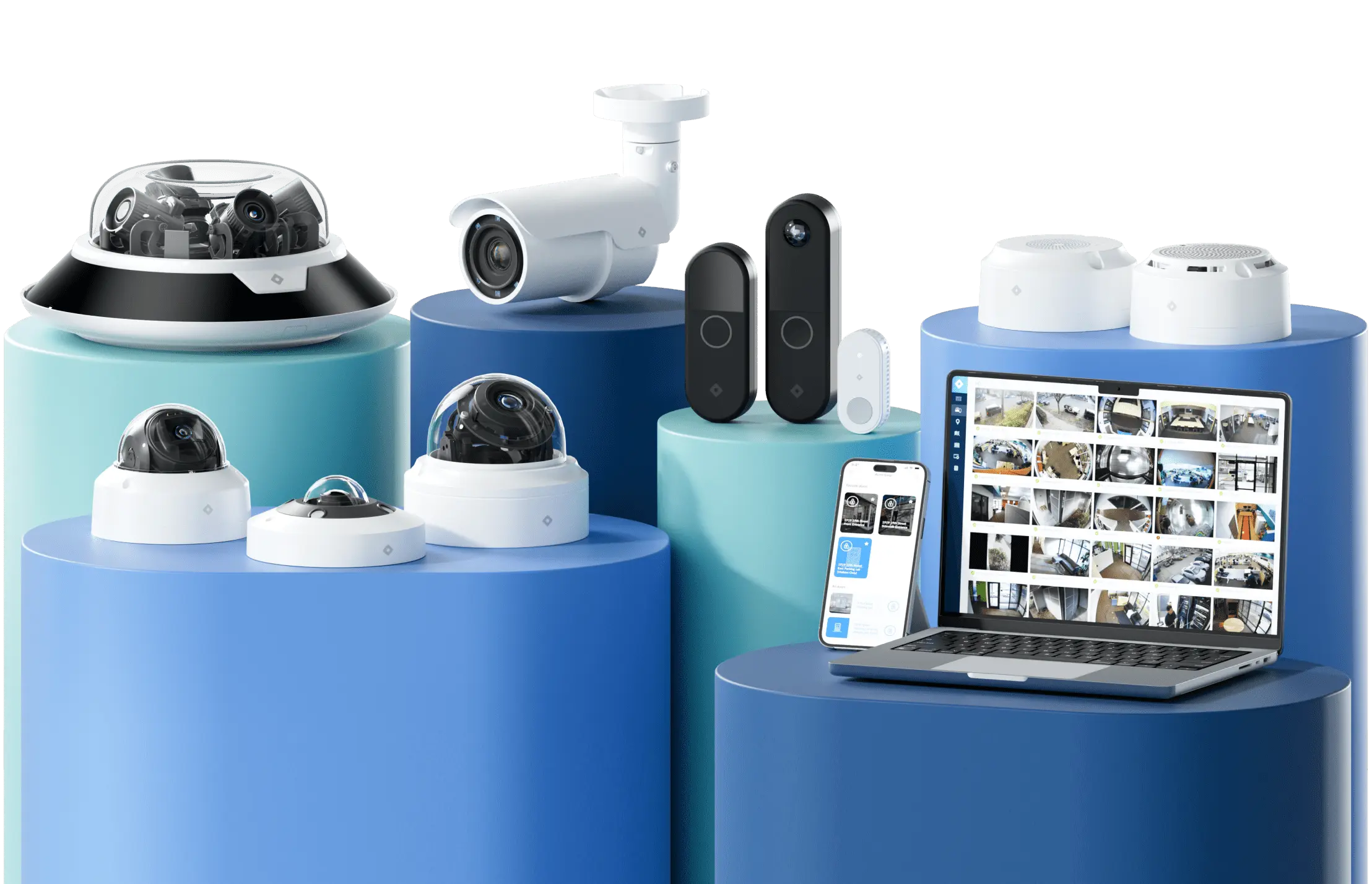
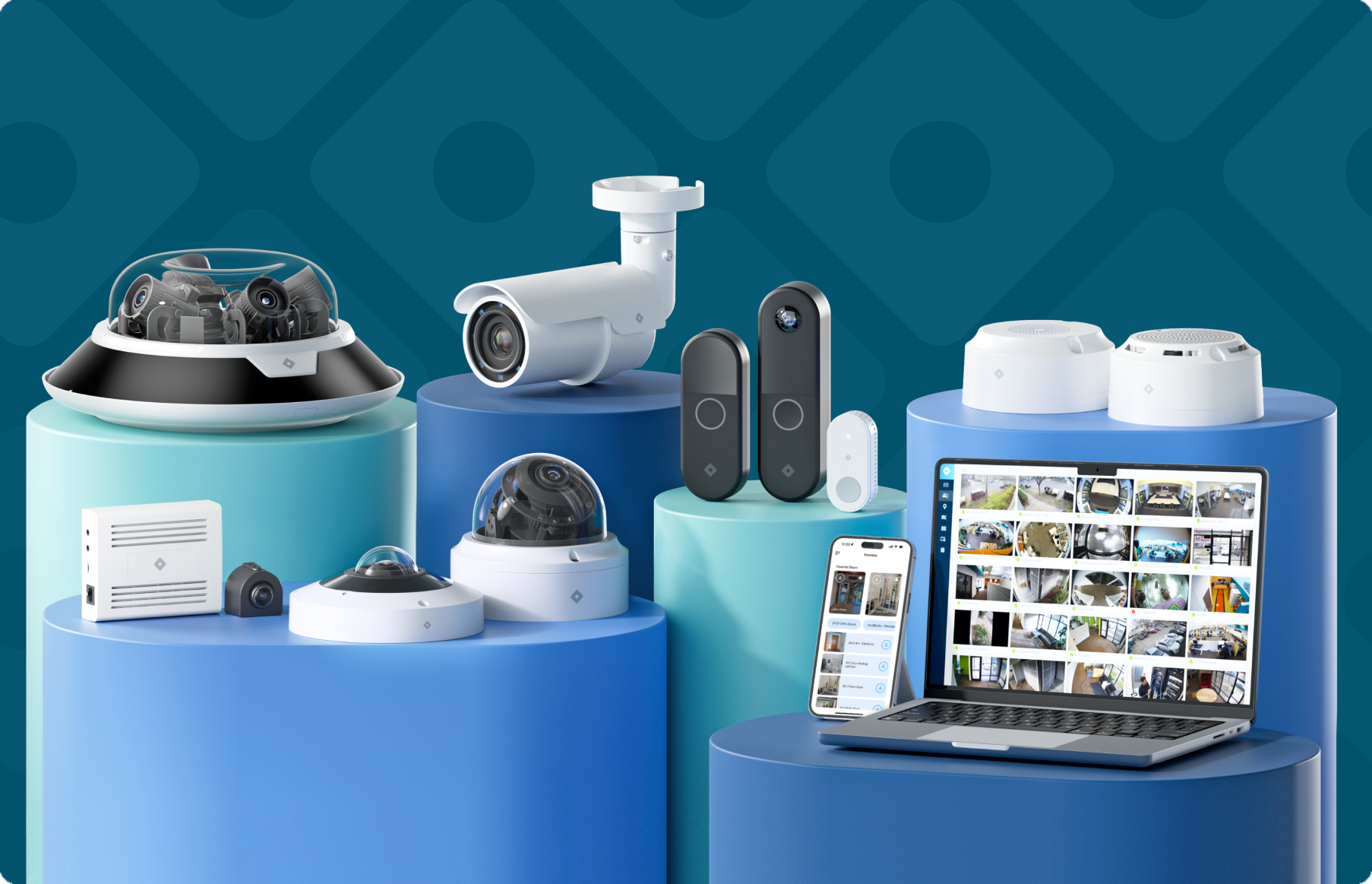
Rhombus runs cameras, access control, IoT sensors, and alarm monitoring from one console built on a cloud-edge architecture. Edge processing keeps devices recording and enforcing access rules even when a site loses its internet connection, while the cloud handles management, search, and updates. You manage doors, video, and building security through a single dashboard on desktop or mobile.
The platform ships with 50+ integrations and an open API so you can connect identity providers, alarm services, and workflow tools without custom middleware. AI analytics span natural-language video search, license plate recognition, audio analytics, and environmental monitoring for conditions like smoke and vape. These detections can trigger automated responses across cameras, sensors, and alarms rather than sitting in isolated apps.
Scale shows up in real deployments. Luxer One grew to more than 11,000 locations and 13,000 devices on Rhombus, with an estimated $250,000 in cost savings. Middlebury Community Schools cut system outages by 80 percent after moving to the platform, evidence that the cloud-edge approach holds up under real operating conditions.
See Unified Physical Security in Action
A demo walks you through cameras, access control, sensors, and alarm monitoring inside one console, so you can see how an access event pulls the matching video clip and how AI search surfaces footage in seconds. You also see how the same dashboard scales from one building to thousands of sites.
Request a demo to see a unified platform managed from a single pane of glass.
Frequently Asked Questions
What is the difference between a unified and an integrated physical security system? A unified system is built from the ground up so cameras, access control, sensors, and analytics share one data model and one interface. An integrated system connects separate products through APIs or SDKs after the fact. Rhombus is built as a unified cloud-edge platform, which means you manage every component from the same console without stitching vendors together.
What components does a unified physical security platform typically include? Most platforms cover video surveillance, access control, intrusion and environmental sensors, alarm monitoring, and AI analytics. Rhombus combines smart cameras, door controllers and readers, IoT sensors, and certified alarm monitoring under one system. You can start with cameras and add access control or sensors as your needs grow.
Is a unified physical security platform suitable for multi-site organizations? Yes. A unified platform lets you manage every location from one dashboard with consistent policies and permissions. Rhombus customer Luxer One scaled to more than 11,000 locations and 13,000 devices on the platform.
How does a unified platform improve cybersecurity compared to siloed systems? Siloed systems patch each product separately, which leaves gaps when vendors update on different schedules. A unified platform applies security updates uniformly across every component. Rhombus delivers automatic updates from the cloud so devices stay current without manual patching.
What is the difference between cloud-native and on-premise physical security platforms? A cloud-native platform handles remote management, automatic updates, and edge processing for offline resilience. On-premise systems depend on local servers, manual patching, and hardware refresh cycles. Rhombus uses a cloud-edge architecture that runs even when a site loses connection.
%20--%3e%3csvg%20version='1.1'%20id='Layer_1'%20xmlns='http://www.w3.org/2000/svg'%20xmlns:xlink='http://www.w3.org/1999/xlink'%20x='0px'%20y='0px'%20viewBox='0%200%20110%20110'%20style='enable-background:new%200%200%20110%20110;'%20xml:space='preserve'%3e%3cstyle%20type='text/css'%3e%20.st0{fill:url(%23SVGID_1_);}%20%3c/style%3e%3cg%3e%3clinearGradient%20id='SVGID_1_'%20gradientUnits='userSpaceOnUse'%20x1='25.325'%20y1='766.725'%20x2='84.725'%20y2='707.325'%20gradientTransform='matrix(1%200%200%201%200%20-682)'%3e%3cstop%20offset='0'%20style='stop-color:%23006F94'/%3e%3cstop%20offset='1'%20style='stop-color:%2300C1DE'/%3e%3c/linearGradient%3e%3cpath%20class='st0'%20d='M106.9,47.5L62.5,3.1c-4.1-4.1-10.9-4.1-15,0L3.1,47.5c-4.1,4.1-4.1,10.9,0,15l44.4,44.4%20c4.2,4.2,10.9,4.2,15.1,0L107,62.5C111,58.4,111,51.6,106.9,47.5z%20M55.5,71.2c-9.4,0.3-17-7.3-16.7-16.7C39.1,46,46,39.1,54.5,38.8%20c9.3-0.3,17,7.3,16.7,16.7C70.9,64,64,70.9,55.5,71.2z'/%3e%3c/g%3e%3c/svg%3e)
Related Articles