Back to blog home

NDAA Compliant Security Cameras for Government Buildings
by Team Rhombus, on August 28th, 2026
Physical SecurityQuick Summary
- Government building security systems should separate public areas from employee and restricted spaces through layered access permissions.
- Procurement reviews should confirm compliance with applicable National Defense Authorization Act Section 889 and Trade Agreements Act requirements.
- Unified access and video records should show who entered and link each entry to its time and corresponding footage.
- Cloud management should give authorized staff one view of cameras, doors, alerts, and device status across multiple buildings.
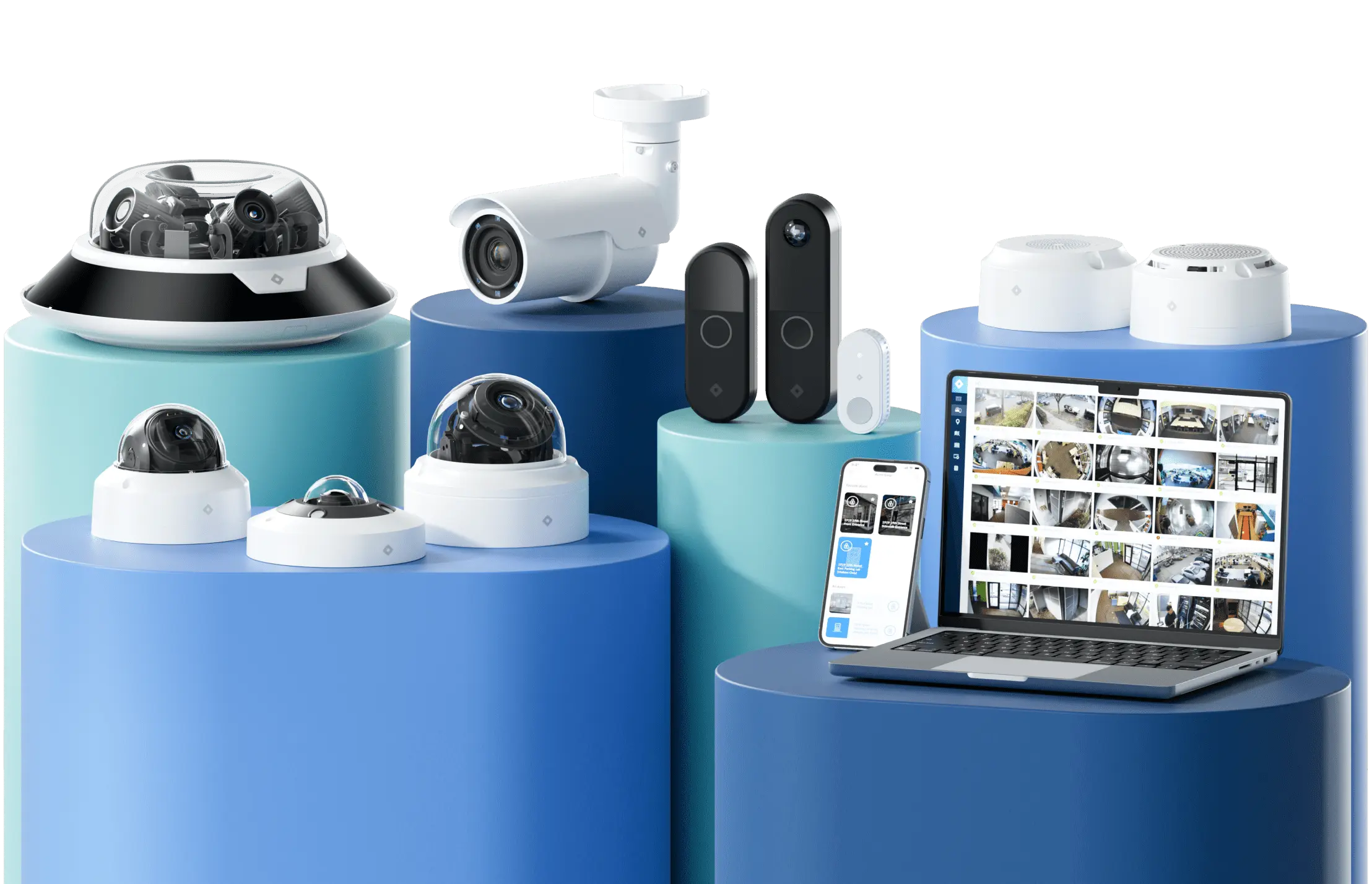
- Rhombus combines NDAA and TAA compliant cameras, access control, audit logging, and multi-site management in one cloud-managed platform.
Why government buildings need a different security model
Government buildings must support public access while protecting people and sensitive assets. Constituents may enter a lobby or approach a service counter without credentials. In the same building, server rooms, evidence storage, records offices, and employee work areas require controlled entry.
Mixed-use facilities create conflicting operating requirements. An agency needs to move visitors through public areas without creating unnecessary barriers, but it must prevent those visitors from following employees into restricted corridors. Government security cameras provide visual context around entrances and transitions, while government access control systems determine who may cross each boundary.
Different occupants also require different permissions. Employees may need access based on department and job function. Contractors may receive credentials that work only at certain doors and during approved hours. Visitors may need identity verification and a temporary badge. Some controlled areas may also require an escort.
Layered access divides the building into zones with progressively tighter controls. Public zones remain open during service hours. Semi-restricted zones require staff approval or visitor processing. Restricted zones require credentials tied to a specific person whose role and schedule permit entry. Government building security systems should link each access event to the corresponding video so security staff can investigate incidents and support audits.
Designing layered access zones for public, employee, and contractor traffic
Define access zones according to each space’s sensitivity and the people who need to enter it. Physical barriers should support those boundaries. A public lobby, for example, should not provide an uncontrolled route to employee offices through an unlocked interior door.
Open zones admit constituents during posted hours without requiring credentials. Common open zones include lobbies and public-facing meeting or service areas. Access-controlled doors should separate these spaces from employee work areas, while government security cameras can help staff review movement near each boundary.
Semi-restricted zones permit employees and approved visitors to enter under defined conditions. These zones may include department offices and other internal rooms where staff use smart cards or mobile credentials. Visitors can receive temporary badges or enter with an escort. Contractors should receive credentials that work only at approved doors and during scheduled work periods.
Restricted zones protect sensitive spaces such as server rooms and evidence or records storage. Access should depend on job duties rather than general employee status. Higher-risk doors may require stronger verification, such as a smart card paired with a personal identification number. Government access control systems should also support immediate credential suspension when someone changes roles or no longer needs access.
Each credential should identify one person and reflect a specific access purpose. Shared badges weaken accountability because reviewers cannot reliably determine who entered a controlled area. Named credentials and documented approval for contractors or visitors connect each entry decision to an authorized person without imposing the same controls in public areas.
Visitor check-in and credentialing workflows across departments
Visitor workflows should convert a person’s purpose and sponsor approval into limited access for a defined period. An invited vendor can receive an email before arrival, while a walk-in constituent can sign in at the service counter. Staff can verify the visitor’s host and reason for entry before granting access beyond public areas.
Temporary badges should identify the visitor and expire automatically. A contractor may receive access to specific work areas for the duration of a project, while a constituent may remain within public-facing spaces. Each temporary credential should grant only the zones required for the visit, and the host should approve any extension.
Rhombus Guest centralizes visitor check-in and related entry records within the unified Rhombus platform. The product supports email invitations and an auto-filled sign-in experience. The platform can print name tags automatically and show real-time guest status. Native connections with access control and cameras help staff relate a visitor record to entry activity without switching between separate tools.
Employee credentialing needs a defined owner at each stage. Human resources or an agency directory can initiate the employee record. A department manager can approve access based on job duties, and security staff can issue the credential. Transfers should remove access tied to the former department before new permissions take effect, while departures should trigger prompt deactivation.
Identity provider integrations reduce manual work across departments and buildings. System for Cross-domain Identity Management (SCIM) 2.0 provisioning can keep user records current and deactivate accounts when employment ends. Security Assertion Markup Language (SAML) 2.0 single sign-on lets administrators use an agency identity provider for account access. Rhombus integrations with Okta and Microsoft Entra ID support these workflows and help agencies manage credential lifecycles through existing identity records.
Evaluation criteria for a government security procurement
Government procurements should first verify eligibility and operational fit. Procurement staff should then test recordkeeping before comparing individual camera features.
- NDAA Section 889 compliance. Section 889 of the National Defense Authorization Act restricts federal agencies from procuring or using certain telecommunications and video surveillance equipment or services from named covered entities. “NDAA compliant security cameras” is common procurement shorthand, but the law does not create a general product certification. Buyers should request supplier documentation for each model and confirm that covered components do not serve a substantial or essential function within the proposed system.
- TAA compliance. The Trade Agreements Act governs product origin for certain federal contracts. A compliant product generally must come from the United States or a designated country under the applicable procurement rules. TAA status does not establish cybersecurity or product quality. Procurement staff should verify the country of origin for each quoted model rather than rely on a vendor-wide statement.
- Funding and contract eligibility. Federal solicitations may require Section 889 representations, TAA compliance, or both. State and municipal projects may face similar conditions when they use federal funds or purchasing policies that adopt federal restrictions. Your legal and procurement staff should confirm the requirements attached to each funding source because applicability can differ by contract.
- Integrated access and video records. Government access control systems should connect door events with the corresponding camera footage. When a badge opens an evidence room at 7:42 p.m., an investigator should be able to review the credential and corresponding door recording without reconciling separate timestamps across different applications. Integration also helps authorized staff investigate forced-door events and rejected credentials.
- Detailed audit trails. Government building security systems should record credential issuance and revocation, permission changes, administrative logins, and relevant access events. The platform should retain records for defined periods and provide searchable exports. Role-based permissions should restrict who can alter settings or view sensitive footage. Procurement reviews should also examine timestamp consistency and role-based permissions because weak administrative controls can reduce the value of otherwise complete logs.
- Central management across facilities. A single security office may oversee facilities with different access rules, including city hall and public works sites. A suitable platform should provide centralized device status, user administration, alert review, and reporting without requiring staff to operate each building separately. Centralized management lets the agency add facilities without duplicating local servers and administrative tools. Rhombus combines NDAA- and TAA-compliant cameras with centrally managed access control through one cloud-managed platform.
Cloud-managed platforms vs. legacy on-premise systems for multi-building campuses
Cloud-managed platforms reduce the work required to operate government security across multiple buildings. A central console lets authorized staff review cameras, manage doors, investigate events, and update permissions without visiting each location. When an agency adds an office or renovates a facility, administrators can bring the new devices into the same management environment.
Legacy on-premise systems often place more maintenance responsibility on agency IT staff. Each site may rely on local servers and network video recorders that require manual software updates. Older hardware can also complicate expansion when a manufacturer ends support or a new camera requires a server upgrade.
On-premise deployment does not make a security system inherently safer. Security depends on timely patches, controlled administrative access, device configuration, and continuous monitoring. An on-premise server that receives inconsistent maintenance may remain exposed to known vulnerabilities, while a cloud-managed vendor can distribute firmware and security updates automatically across supported devices.
Cloud management does not require a building to lose access control whenever its internet connection fails. Platforms can store authorized credentials and events locally, then synchronize data after connectivity returns. Camera storage and offline capabilities vary by product, so agencies should verify how each proposed system handles network outages and evidence retention when bandwidth is limited.
Rhombus provides an NDAA and TAA compliant cloud-managed platform that connects video security and access control in one console. Our access control supports offline operation with locally stored credentials, while local event records synchronize after reconnection. Automatic firmware updates reduce manual patching work across supported devices.
A cloud-managed model can also make costs easier to forecast across a campus. Agencies can spend less on local servers and site-specific software maintenance. Procurement reviews should still account for licensing, network capacity, retention requirements, and any existing hardware that the agency plans to keep.
Comparison: legacy on-prem vs. cloud-managed government security systems
| Procurement area | Legacy on-premises system | Cloud-managed system |
|---|---|---|
| Compliance reporting | Staff often collect logs and configuration records from separate local systems. | Centralized records make audit preparation and compliance reporting easier across facilities. |
| Multi-site management | Administrators may need separate consoles or local access for each building. | Authorized staff can manage cameras, doors, users, and alerts across locations through one console. |
| Maintenance and updates | Agency staff or contractors maintain servers and install software, firmware, and security patches. | The provider delivers automatic software and security updates, which reduces manual maintenance. |
| Total cost of ownership | Local servers, replacement cycles, service visits, and staff time add to long-term costs. | Subscription costs remain, but reduced local infrastructure and maintenance can lower total ownership costs. |
FAQs
What does NDAA-compliant mean for security cameras?
NDAA-compliant security cameras meet applicable Section 889 restrictions concerning equipment and components from named covered vendors. Our Rhombus cameras are NDAA and Trade Agreements Act compliant, which can support applicable government procurement requirements. Buyers can screen eligible products earlier and avoid replacing disallowed equipment after procurement review.
Can cloud security systems meet government audit and records requirements?
Cloud security systems can support government audit and records requirements when they provide detailed activity logs, controlled permissions, export tools, and configurable retention. Rhombus records administrative, access, guest, and security events within a centralized cloud-managed platform. Agencies can identify the account that accessed a location or record and see when the access occurred.
How should access control differ between public and restricted government spaces?
Government access control should match credential requirements to each area’s sensitivity and intended users. Rhombus can support open public entrances and apply tighter credential requirements to employee or restricted areas such as evidence rooms and server rooms. Agencies can grant limited access based on role and approved location or time while preserving an activity record for review.
Next steps for evaluating a government security platform
Government agencies should require procurement compliance and layered access managed centrally across sites. A viable platform must apply different permissions across public and restricted areas while preserving searchable records for audits and investigations.
Our cloud-managed platform connects NDAA- and TAA-compliant cameras with centrally managed access control. Request a Rhombus demo to assess how the platform could support your facilities and existing policies or infrastructure.
%20--%3e%3csvg%20version='1.1'%20id='Layer_1'%20xmlns='http://www.w3.org/2000/svg'%20xmlns:xlink='http://www.w3.org/1999/xlink'%20x='0px'%20y='0px'%20viewBox='0%200%20110%20110'%20style='enable-background:new%200%200%20110%20110;'%20xml:space='preserve'%3e%3cstyle%20type='text/css'%3e%20.st0{fill:url(%23SVGID_1_);}%20%3c/style%3e%3cg%3e%3clinearGradient%20id='SVGID_1_'%20gradientUnits='userSpaceOnUse'%20x1='25.325'%20y1='766.725'%20x2='84.725'%20y2='707.325'%20gradientTransform='matrix(1%200%200%201%200%20-682)'%3e%3cstop%20offset='0'%20style='stop-color:%23006F94'/%3e%3cstop%20offset='1'%20style='stop-color:%2300C1DE'/%3e%3c/linearGradient%3e%3cpath%20class='st0'%20d='M106.9,47.5L62.5,3.1c-4.1-4.1-10.9-4.1-15,0L3.1,47.5c-4.1,4.1-4.1,10.9,0,15l44.4,44.4%20c4.2,4.2,10.9,4.2,15.1,0L107,62.5C111,58.4,111,51.6,106.9,47.5z%20M55.5,71.2c-9.4,0.3-17-7.3-16.7-16.7C39.1,46,46,39.1,54.5,38.8%20c9.3-0.3,17,7.3,16.7,16.7C70.9,64,64,70.9,55.5,71.2z'/%3e%3c/g%3e%3c/svg%3e)
Related Articles