Back to blog home

Commercial Security Systems for Multi-Site Businesses
by Team Rhombus, on October 8th, 2026
Physical SecurityQuick Summary
- Commercial security systems bring video cameras, access control, intrusion monitoring, and administration together so you can oversee multiple locations.
- Video helps you review activity, while access records show who entered a controlled area. Available intrusion alerts depend on the equipment and configuration at each site.
- Centralized administration lets you manage sites through one console. Check which alerts and records you can search across locations before choosing a platform.
- Compare deployment speed, total cost of ownership, information technology (IT) overhead, integration depth, and vendor lock-in across the video, access, and intrusion products you would deploy.
Introduction
Security directors, facilities leaders, and IT buyers need to coordinate video, access control, and intrusion monitoring across locations. When each site keeps records in separate tools, investigating a door alarm may require you to find the relevant footage and access history in different places.
Commercial security systems differ in how they bring those records together. A centralized platform may let you review activity across sites and manage permissions in one place. Separate products may suit locations with established hardware or specialized needs. As you compare options, consider how quickly each site can go live, which existing devices can stay, and how much ongoing work your IT staff will take on.
What a commercial security system includes
A commercial security system brings video, door access, intrusion monitoring, and administration together so you can oversee multiple locations and investigate events. Cloud-managed cameras let authorized staff review footage remotely. Access control records who used a door and when. Intrusion monitoring can alert staff to activity detected by connected sensors or alarm equipment, depending on the products and integrations in place.
A centralized console gives you one place to manage users, review alerts, and move between sites. For example, if someone opens a door after hours, an investigator can check the access event and look for footage from a nearby camera. When the system links those records, staff can investigate without searching separate tools or asking each site to export files.
Cloud management describes how you administer the system, not necessarily where it stores every recording. Before choosing a platform, check where video is stored, how long you can retain it, and which staff can access each location. Also confirm which intrusion devices, access panels, and third-party products the platform supports at the tier you plan to buy. Capabilities and interoperability vary, so a shared console does not guarantee that every existing device or alert will appear in it.
Multi-site buying criteria
A pilot at a representative location can reveal rollout work and recurring costs that a product list cannot. If your sites differ substantially, test more than one location before using the results to plan a wider deployment.
- How long will each site take to bring online? Ask vendors to separate equipment installation from network setup and staff training in their rollout estimates. An estimate for a small office may not hold for a warehouse that needs new cabling or has restricted installation hours.
- What will you spend over the system’s useful life? Compare total cost of ownership across equipment, installation, subscriptions, storage, support, and expected replacements. Ask which costs grow when you add a location or retain video longer. A lower initial quote may come with higher recurring costs.
- How much work will your IT staff take on? Test how administrators add users, change permissions, review device health, and handle updates across sites. Ask who troubleshoots a camera or door controller when it goes offline, and whether that task requires a visit.
- Can the products share the events you need? Ask vendors to demonstrate a specific workflow, such as finding video associated with a door event. A listed integration may exchange alerts without supporting search or investigation in one place. Confirm what each connection requires and whether it carries an additional cost.
- What happens to your existing hardware? Inventory cameras, access panels, and credentials before requesting a migration plan. Ask which devices the proposed system supports, which need replacement, and whether any can run during a phased rollout. Compatibility depends on the models and the proposed connection method.
- What would it take to leave later? Ask how you would export recordings and access records, move credentials, and reuse installed devices with another provider. Check contract terms and export limits alongside hardware compatibility. Those details determine the practical cost of changing vendors.
Unified platform vs. a mix of point solutions
A unified cloud-managed platform can make repeated rollouts and cross-site investigations easier to manage. A mix of point solutions can make more sense when you need a specialized product or want to keep equipment that still serves you well.
| Buyer consideration | Unified platform | Mix of point solutions |
|---|---|---|
| Deployment complexity | You can use a common setup across sites, though wiring and existing hardware still affect rollout time. | You can retain suitable systems, but each product may require a separate installation plan. |
| Admin overhead | You may manage users, alerts, and sites in one console, depending on the platform’s coverage. | You may need to maintain separate accounts, permissions, and training for each product. |
| Integration burden | Native connections can reduce the work of linking video and access events. Check which intrusion workflows the platform actually supports. | Integrations can connect specialist products, but you must test and maintain those connections. |
| Flexibility | One vendor may cover common needs across locations, but your device choices may narrow. | You can choose a product for each function and keep hardware where compatibility allows. |
| Cost pattern | Compare subscriptions, installation, and any hardware you must replace. | Existing equipment may lower initial spending, while separate contracts and integration work can add ongoing costs. |
For a multi-site business that uses similar security workflows at each location, a unified platform may reduce the effort of administering each new site. Point solutions remain a reasonable choice when you have a substantial investment in a working system or a single site needs a specialized capability. In either case, ask vendors to demonstrate an investigation that crosses video, access, and intrusion records using the products and hardware you would actually deploy.
Where Rhombus fits for multi-site deployments
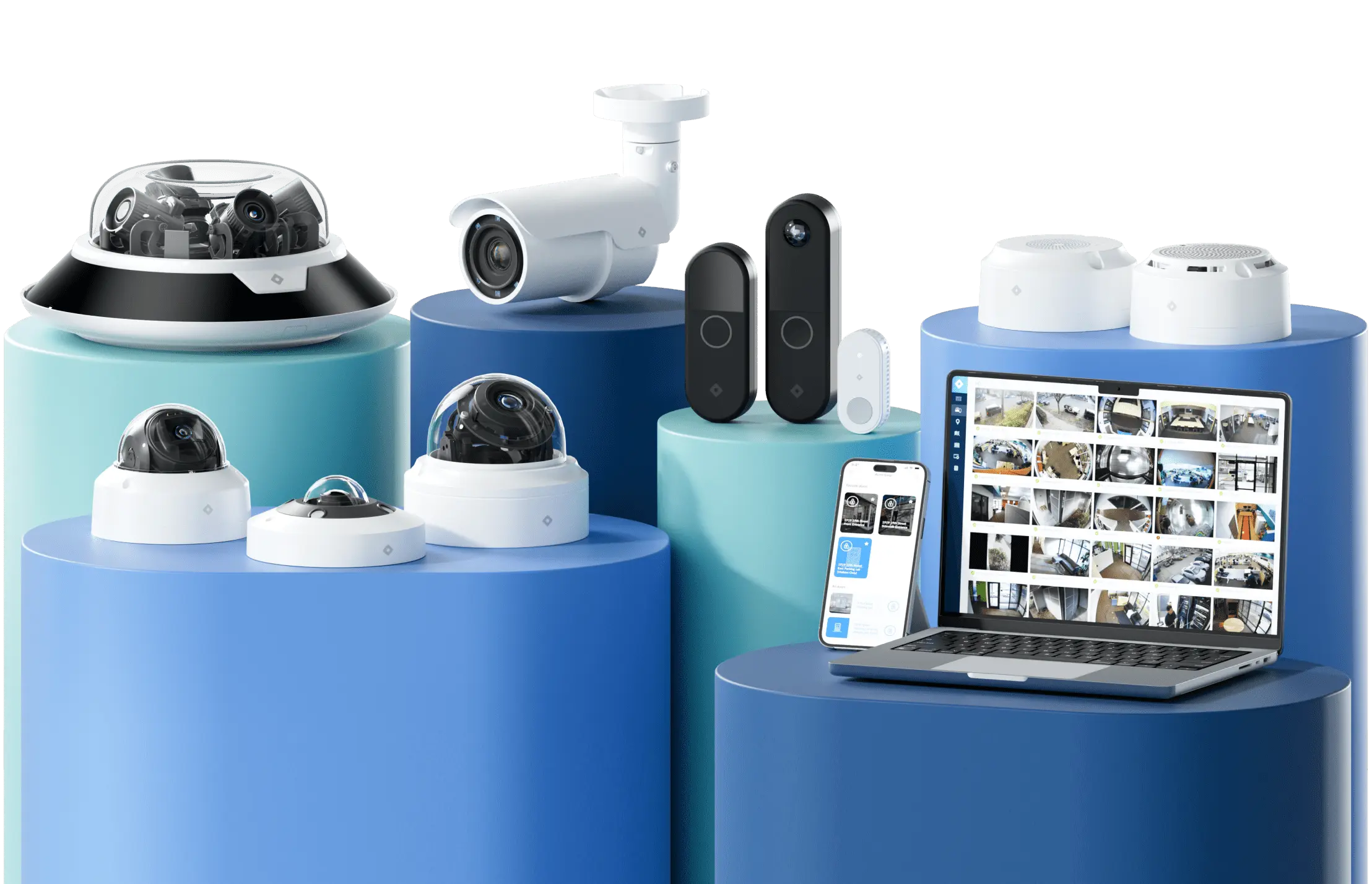
Rhombus gives you a cloud-managed option for administering video and access control across locations. Our product lineup brings those functions into one console, so an authorized user can work across sites without switching between separate camera and access tools. The time needed to deploy each site still depends on its network, wiring, and existing equipment.
For investigations, ask us to demonstrate which artificial intelligence (AI) features work with your selected devices and subscription, and whether your proposed deployment needs additional equipment. If you need to connect other business or security tools, ask us to demonstrate the specific application programming interface (API) workflows you plan to use. Supported integrations and the work needed to connect them can vary.
Before deciding, review which existing cameras, access hardware, and intrusion devices you want to retain. We can assess those requirements against our multi-site solutions rather than assume every device or intrusion workflow will work with the platform.
Frequently asked questions
- How does a multi-site commercial security system differ from a single-site or camera-only setup? A multi-site system lets you manage users, review events, and check alerts across locations from a central console. A camera-only setup provides video, but you may need separate tools to connect footage with door activity or intrusion alerts.
- Can you keep existing cameras and access-control hardware? Compatibility depends on the device models and the platform you choose. Before committing, ask the vendor which equipment can remain in service, which features will still work, and what a phased replacement would cost.
- What does vendor lock-in mean for business security systems? Lock-in describes the cost and effort of changing providers later. Check whether you can export recordings and event data, reuse installed hardware, and keep integrations working if you leave.
- How does intrusion monitoring fit into a cloud-managed platform? Where the selected products and integrations support it, intrusion events can appear alongside video and access activity to help you investigate an alert. Confirm which sensors and panels work with the platform, and ask whether professional alarm monitoring requires a separate service.
Get a live walkthrough
See how you can review video and manage security across locations in our multi-site console. Book a Rhombus demo to discuss rollout timing for your sites and how your existing equipment may fit.
%20--%3e%3csvg%20version='1.1'%20id='Layer_1'%20xmlns='http://www.w3.org/2000/svg'%20xmlns:xlink='http://www.w3.org/1999/xlink'%20x='0px'%20y='0px'%20viewBox='0%200%20110%20110'%20style='enable-background:new%200%200%20110%20110;'%20xml:space='preserve'%3e%3cstyle%20type='text/css'%3e%20.st0{fill:url(%23SVGID_1_);}%20%3c/style%3e%3cg%3e%3clinearGradient%20id='SVGID_1_'%20gradientUnits='userSpaceOnUse'%20x1='25.325'%20y1='766.725'%20x2='84.725'%20y2='707.325'%20gradientTransform='matrix(1%200%200%201%200%20-682)'%3e%3cstop%20offset='0'%20style='stop-color:%23006F94'/%3e%3cstop%20offset='1'%20style='stop-color:%2300C1DE'/%3e%3c/linearGradient%3e%3cpath%20class='st0'%20d='M106.9,47.5L62.5,3.1c-4.1-4.1-10.9-4.1-15,0L3.1,47.5c-4.1,4.1-4.1,10.9,0,15l44.4,44.4%20c4.2,4.2,10.9,4.2,15.1,0L107,62.5C111,58.4,111,51.6,106.9,47.5z%20M55.5,71.2c-9.4,0.3-17-7.3-16.7-16.7C39.1,46,46,39.1,54.5,38.8%20c9.3-0.3,17,7.3,16.7,16.7C70.9,64,64,70.9,55.5,71.2z'/%3e%3c/g%3e%3c/svg%3e)
Related Articles