Back to blog home
Loss Prevention Cameras for Retail: Key Features to Consider
by Team Rhombus, on April 3rd, 2026
Physical SecurityRetail theft is growing more sophisticated, and the camera systems designed to address it need to keep pace. A loss prevention camera should do more than passively record. The right system supports deterrence, produces evidence that holds up during investigations, and helps LP teams respond to incidents faster.
Cameras are one part of a broader retail loss prevention workflow. Choosing the right system means evaluating how well it fits into the way your team actually investigates shrink, manages incidents, and coordinates across stores.
What loss prevention cameras should help retail teams do
Loss prevention cameras for retail should reduce the time between an incident and a resolution. That means producing footage that is searchable, clear enough for identification, and accessible to the people who need it, whether they are in the store or reviewing remotely.
A strong retail surveillance camera system also fits into existing workflows. When video connects to POS data, access events, or alert systems, investigators can answer who, what, when, and where without scrubbing through hours of footage. Cameras that only record without supporting retrieval and context create a storage problem, not a loss prevention tool.
Where cameras should go first in a retail store
Coverage planning should come before any analytics discussion. The best AI tools are useless if cameras are pointed at the wrong zones or leave gaps in high-risk areas.
Entrances and exits
Entrance and exit coverage establishes timelines. Knowing when a person entered and exited the store, and what they carried, is foundational to reconstructing any incident. These cameras should capture identification-quality footage at a consistent angle.
Checkout and self-checkout areas
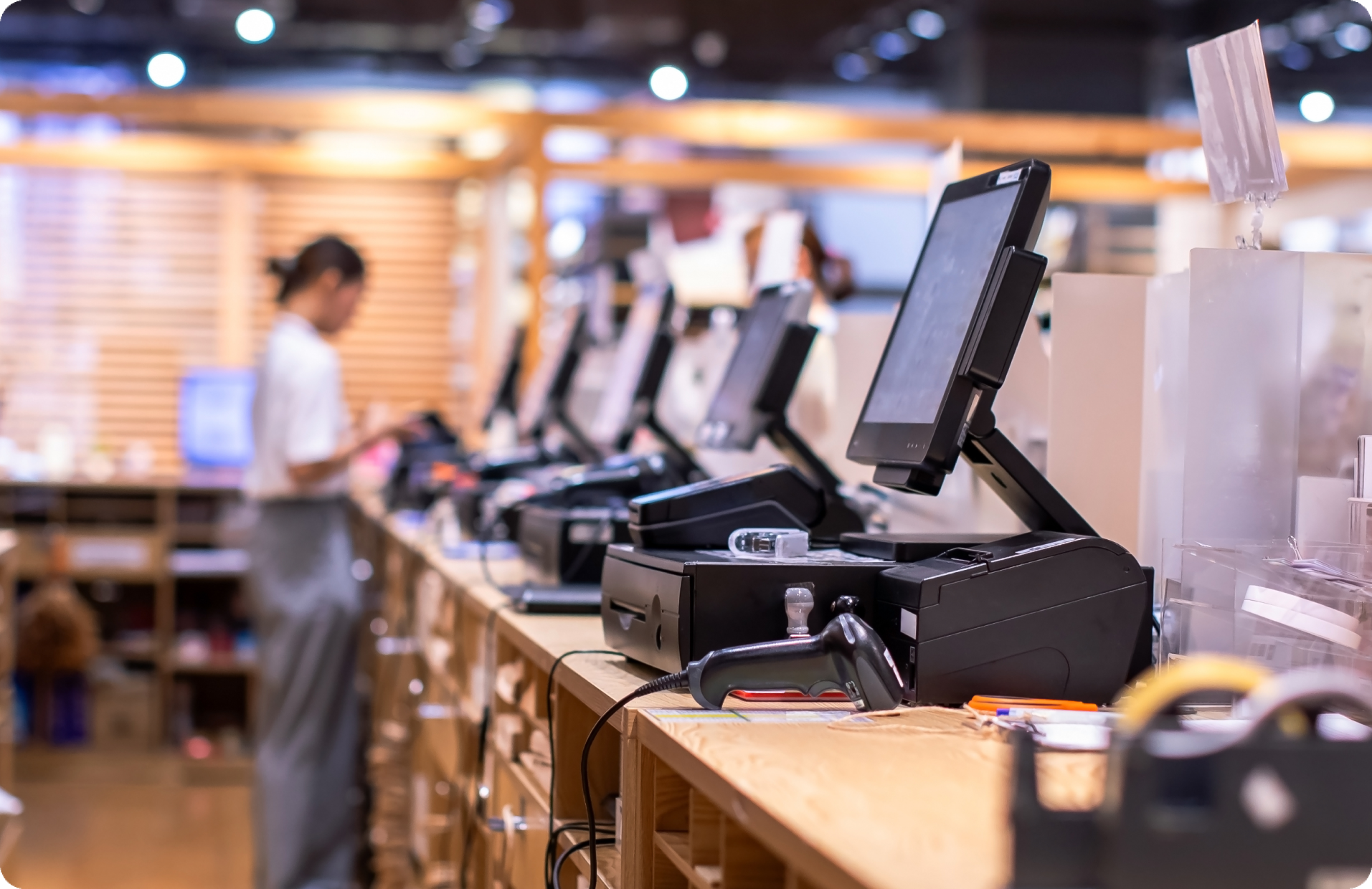
POS zones are where sweethearting, no-scan events, and cash handling irregularities occur. Cameras here need angles that show both the transaction and the person conducting it. Self-checkout areas require wider coverage because customer behavior is less predictable than cashier workflows.
High-value aisles and promotional displays
Shelf-sweep activity and concealment typically happen in aisles with high-value or easily resold merchandise. Overview cameras in these zones help LP teams identify patterns and reconstruct how product left the shelf, even when specific incidents are reported after the fact.
Stockrooms, receiving, and back doors
Internal theft risk increases in employee-only areas where inventory moves without customer-facing oversight. Receiving docks and back doors should have dedicated coverage to verify deliveries, monitor after-hours access, and document any product leaving through unauthorized exits.
Blind spots created by layout changes
Seasonal displays, new shelving units, and cooler installations can create coverage gaps that did not exist when cameras were originally placed. Overlapping fields of view help maintain continuity when store layouts shift. Reviewing coverage after any significant floor plan change is a practical habit that prevents avoidable blind spots.
What to look for in a retail loss prevention camera system
Evaluating retail security cameras means looking beyond resolution specs. The system needs to produce usable footage, make it findable, retain it long enough, and fit the operational capacity of your team.
Image quality in real store conditions
Retail environments include fluorescent lighting, natural light from storefronts, dark stockrooms, and reflective surfaces. A camera that performs well in a controlled demo may struggle with glare near windows or low-light conditions in back hallways. Look for cameras with strong dynamic range and reliable low-light performance so faces and actions remain identifiable across zones.
Field of view by zone
Not every camera needs the same lens. Wide-angle cameras work well for aisle overviews and general floor awareness. Tighter fields of view are better suited for POS stations, entrances, and exits where identification-grade clarity is the priority. A mix of both gives LP teams the ability to track movement across the store and zoom into specifics where needed.
Retention and evidence access
How long footage is stored and how quickly your team can retrieve it directly affects investigation outcomes. If pulling a clip from last week requires a site visit to a local DVR, response slows down. Cloud-based retention with remote access lets investigators find and share evidence without waiting on store-level IT.
Search and analytics tools
The difference between a recording system and an investigation tool often comes down to searchability. Indexed events, smart filters based on time or activity type, and AI-powered analytics that flag relevant moments all reduce the hours spent on manual video review. Analytics should surface useful information, not just generate data.
Real-time alerts
Triggered alerts for specific activity types can help store teams respond during an incident rather than discovering it afterward. The key is tuning alerts so they are actionable without overwhelming staff. A system that sends dozens of false notifications per shift will get ignored.
Remote access across locations
Multi-site retailers need the ability to review footage, manage cameras, and investigate incidents across locations from a single interface. Without centralized access, every investigation requires coordination with on-site staff, which slows response and creates inconsistency.
Integrations with POS and security workflows
When video is tied to POS transaction data, LP teams can quickly verify whether a flagged transaction matches what happened on camera. Integrations with access control, alarm systems, and incident management tools add further context and speed up the investigation cycle.
Deployment and maintenance requirements
Traditional DVR/NVR systems require on-site servers, manual firmware updates, and dedicated IT support for each location. Cloud-managed systems shift that burden, handling updates and storage centrally. For retailers with limited IT resources at store level, the operational difference is significant.
Security and privacy controls
Footage governance is a practical concern. Role-based access controls, encryption in transit and at rest, and audit logs for who accessed what footage are baseline requirements. Compliance with standards like SOC 2, NDAA, and TAA may also be necessary depending on your retail environment.
Common mistakes buyers make
Retail loss prevention camera purchases go wrong in predictable ways. Knowing these patterns before you buy saves budget and keeps your LP team from inheriting a system that fails in practice.
Overbuying on resolution
Deploying 4K cameras at every position inflates storage and bandwidth costs without improving outcomes in most zones. Reserve higher-resolution cameras for entrances, exits, and POS lanes where identification-grade detail matters. Use 1080p or lower-spec options where broader situational awareness is the goal.
Poor camera placement
Cameras installed based on cabling convenience rather than loss risk leave gaps where they matter most. Full sales floor coverage with no dedicated camera on the receiving dock or back door is a common example. Placement should follow a risk map, not a wiring diagram.
Weak retention planning
A blanket 7-day retention policy often means footage is overwritten before an investigation starts. Internal shrink and organized retail crime patterns can take weeks to surface. Set retention windows based on realistic investigation timelines, with extended retention for high-risk zones.
Noisy analytics and alert fatigue
Alerts on every motion event or generic “person detected” activity overwhelm store staff within days. Managers stop checking notifications entirely, defeating real-time detection. Tune thresholds to specific scenarios such as after-hours stockroom motion or loitering near high-theft displays, and review alert volume during the first weeks after install.
Ignoring integrations
A camera system that operates in isolation forces investigators to manually cross-reference video with POS logs, access events, and incident reports. That process adds hours to every case. Before purchasing, confirm the system integrates with your existing POS platform, access control hardware, and incident management tools.
Underestimating maintenance and security controls
Legacy DVR/NVR setups require firmware updates, hard drive replacements, and on-site troubleshooting at each location. Without dedicated store IT staff, these systems degrade silently until footage is needed and unavailable. Separately, systems lacking role-based access, encryption, and audit trails expose retailers to compliance risk, so verify that granular permissions and regulatory standards such as SOC 2, NDAA, and TAA are supported before finalizing a purchase.
How to match camera choices to retail environments
Small stores
A single-location retailer with a small footprint needs simple deployment, reliable coverage of entrances, POS, and stockroom, and the ability to review footage remotely without on-site IT. Complexity is the enemy here. Choose a system that works out of the box and does not require a dedicated security team to manage.
Multi-location retailers
Consistency across locations is the biggest operational challenge. Centralized management, standardized camera policies, and the ability to investigate across stores from one dashboard prevent each location from becoming its own siloed system. Scalable deployment also means adding new stores should not require re-architecting the entire setup.
High-risk or high-shrink environments
Stores with elevated shrink need evidence-grade coverage in more zones, stronger analytics to surface patterns, and faster response workflows. This may include tighter camera angles at every POS lane, dedicated coverage of high-theft aisles, and alert configurations tuned to specific loss scenarios such as shelf sweeps or back-door activity.
When a cloud-managed approach makes sense
Cloud-managed retail video surveillance becomes the practical choice when a team needs to scale across locations without multiplying IT overhead at each site. If firmware updates, storage management, and on-site server maintenance are consuming resources that should go toward investigations, a cloud architecture removes that friction.
Remote access, automatic updates, and centralized storage also simplify compliance and evidence handling. For growing retailers or those modernizing legacy systems, cloud-managed platforms reduce the gap between adding a camera and getting value from it.
How Rhombus supports retail loss prevention
Rhombus is a cloud-managed physical security platform built around the operational needs covered in this guide. Rhombus cameras are designed for simple deployment with centralized management across locations, and AI analytics help LP teams search footage and surface relevant events without manual review.
Rhombus supports 50+ integrations including POS and access control systems, with an open API for custom workflows. Rhombus meets NDAA, TAA, and SOC 2 compliance requirements, and all footage is encrypted in transit and at rest.
Request a demo to see how Rhombus fits retail loss prevention workflows.
Conclusion
The best retail loss prevention camera system is the one a team actually uses effectively. That starts with coverage in the right zones, footage quality that supports identification, and retention policies that keep evidence available when investigations begin. Search tools, integrations, and centralized management turn a camera system into an operational asset rather than a passive recorder. Evaluate based on how well a system fits the workflow, not just its spec sheet.
%20--%3e%3csvg%20version='1.1'%20id='Layer_1'%20xmlns='http://www.w3.org/2000/svg'%20xmlns:xlink='http://www.w3.org/1999/xlink'%20x='0px'%20y='0px'%20viewBox='0%200%20110%20110'%20style='enable-background:new%200%200%20110%20110;'%20xml:space='preserve'%3e%3cstyle%20type='text/css'%3e%20.st0{fill:url(%23SVGID_1_);}%20%3c/style%3e%3cg%3e%3clinearGradient%20id='SVGID_1_'%20gradientUnits='userSpaceOnUse'%20x1='25.325'%20y1='766.725'%20x2='84.725'%20y2='707.325'%20gradientTransform='matrix(1%200%200%201%200%20-682)'%3e%3cstop%20offset='0'%20style='stop-color:%23006F94'/%3e%3cstop%20offset='1'%20style='stop-color:%2300C1DE'/%3e%3c/linearGradient%3e%3cpath%20class='st0'%20d='M106.9,47.5L62.5,3.1c-4.1-4.1-10.9-4.1-15,0L3.1,47.5c-4.1,4.1-4.1,10.9,0,15l44.4,44.4%20c4.2,4.2,10.9,4.2,15.1,0L107,62.5C111,58.4,111,51.6,106.9,47.5z%20M55.5,71.2c-9.4,0.3-17-7.3-16.7-16.7C39.1,46,46,39.1,54.5,38.8%20c9.3-0.3,17,7.3,16.7,16.7C70.9,64,64,70.9,55.5,71.2z'/%3e%3c/g%3e%3c/svg%3e)
Related Articles