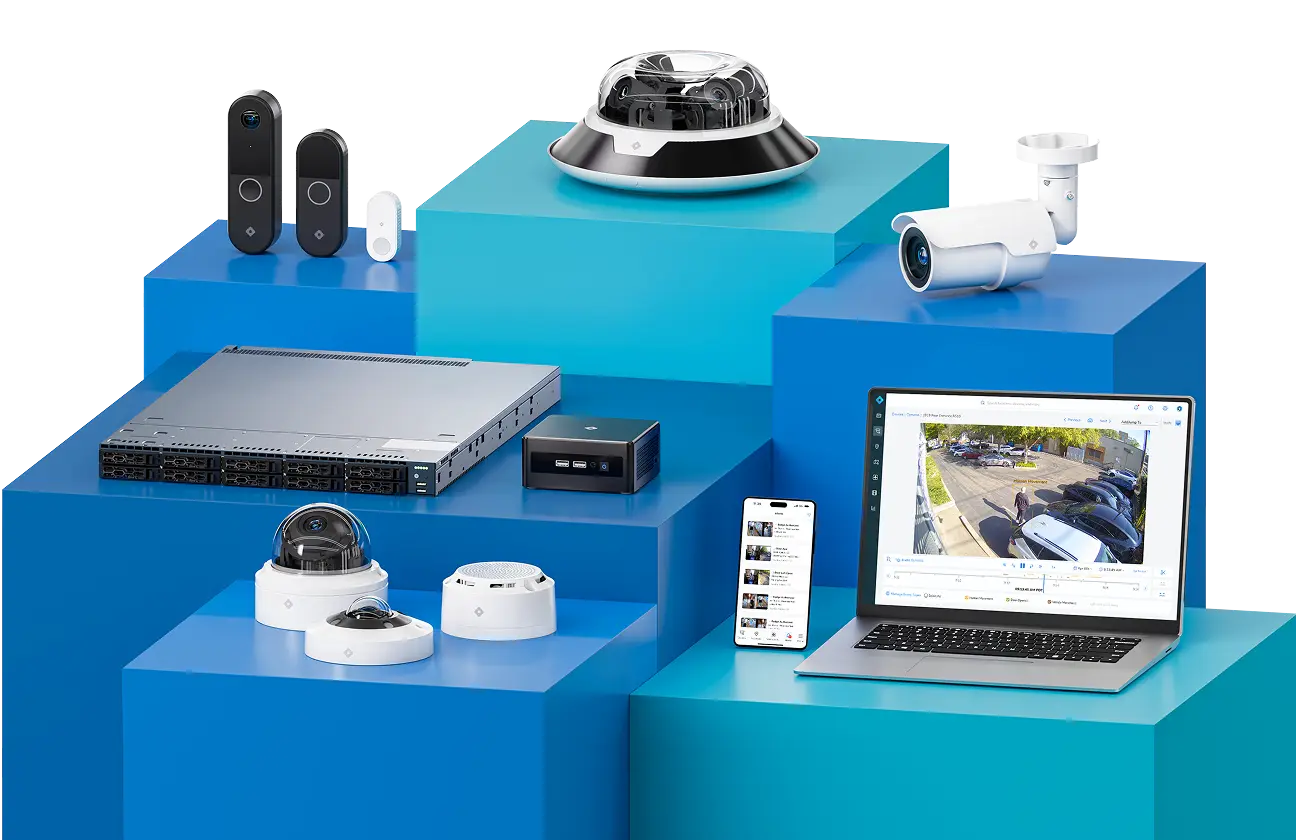
Arm and Disarm Your Spaces With the Rhombus Alarm Pad App
Manage alarms, view live cameras, and access location maps from one intuitive touchscreen interface. Ideal for repurposing existing iPads or as a flexible alternative to a wall-mounted device.
Free on the App Store.
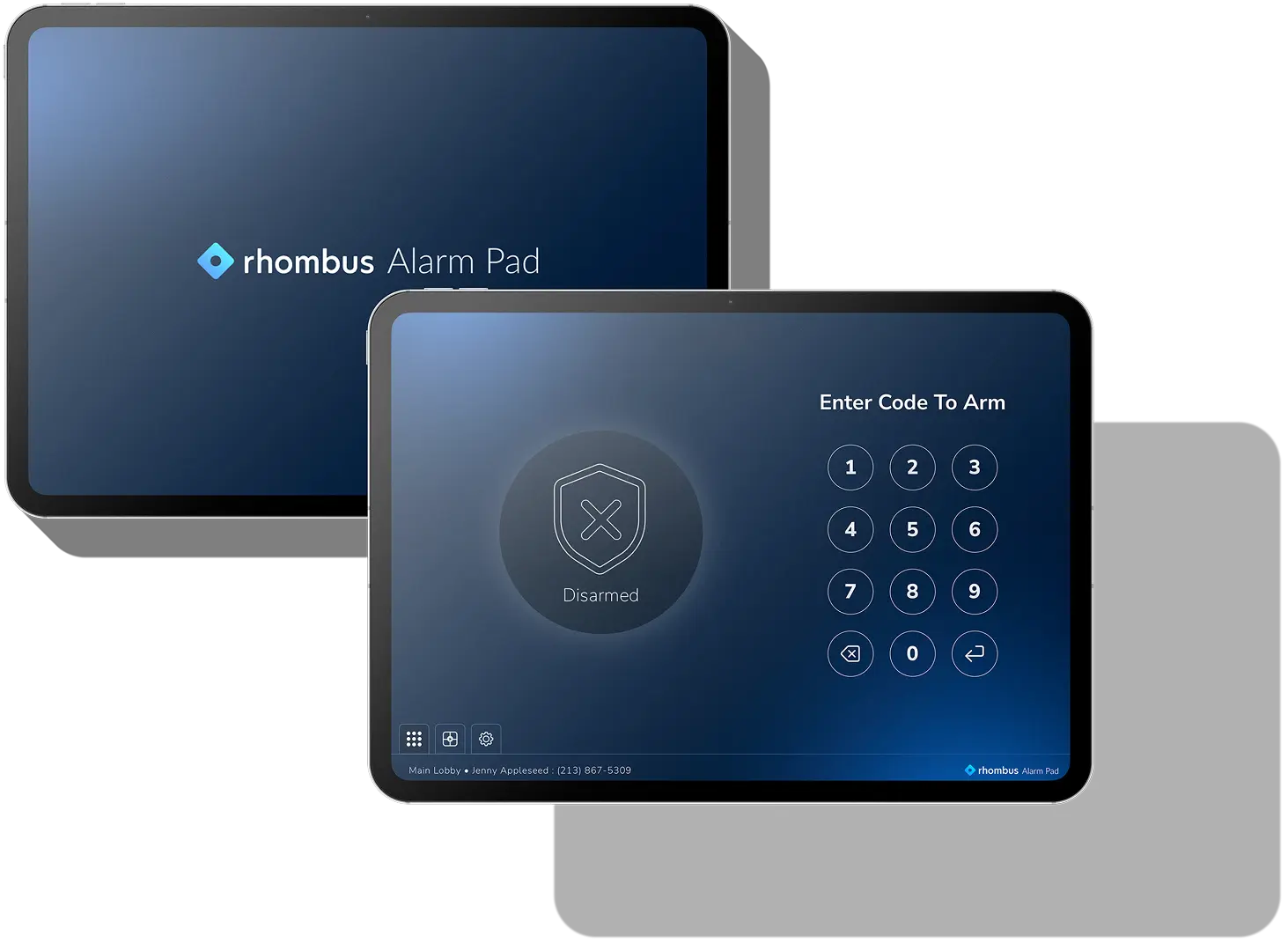
Flexible Alarm Management for Modern Security Teams
The Rhombus Alarm Pad App makes it easy to manage alarm activity from a familiar iPad experience while staying connected to the broader Rhombus Alarm Monitoring workflow.
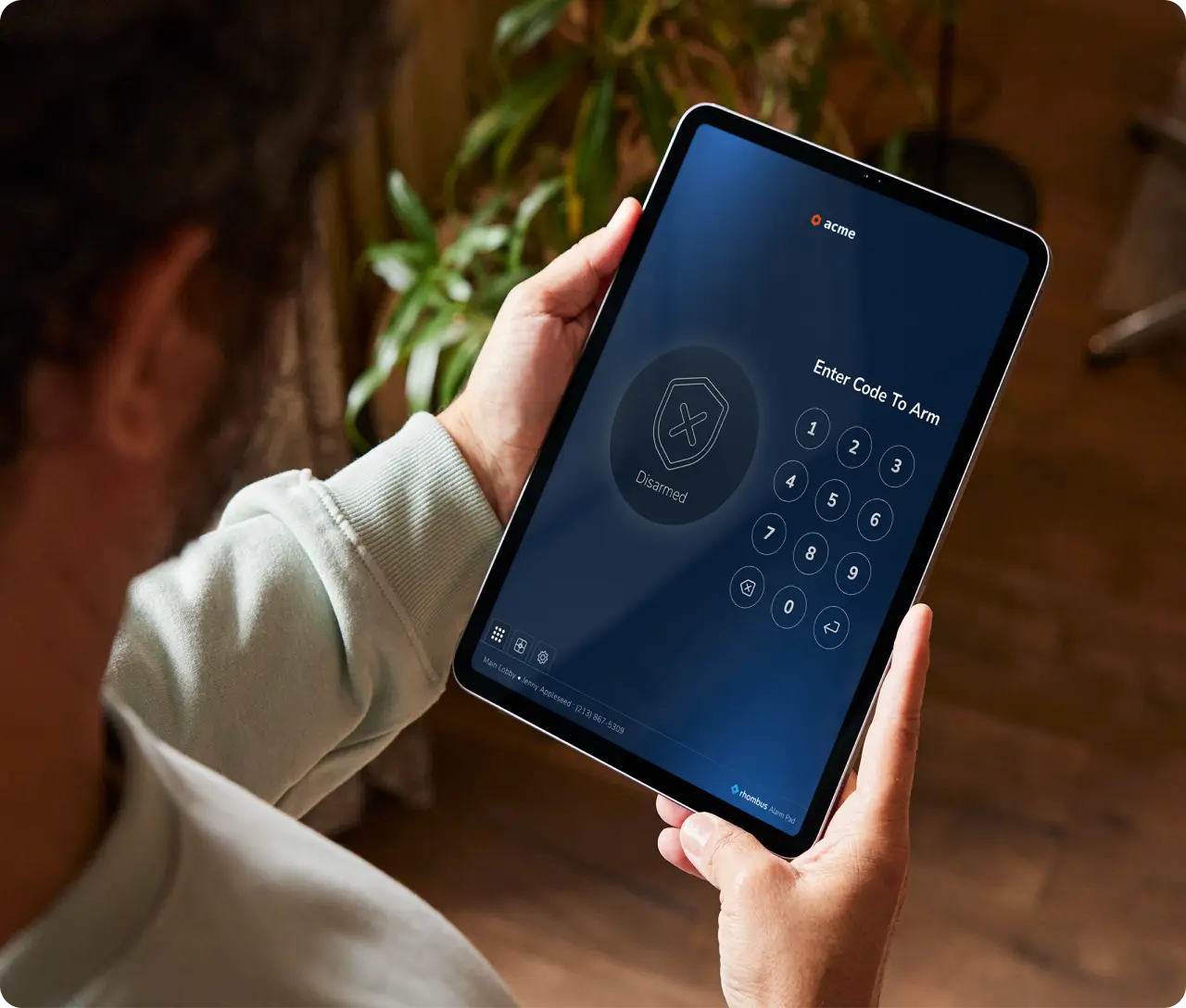
Key Benefits
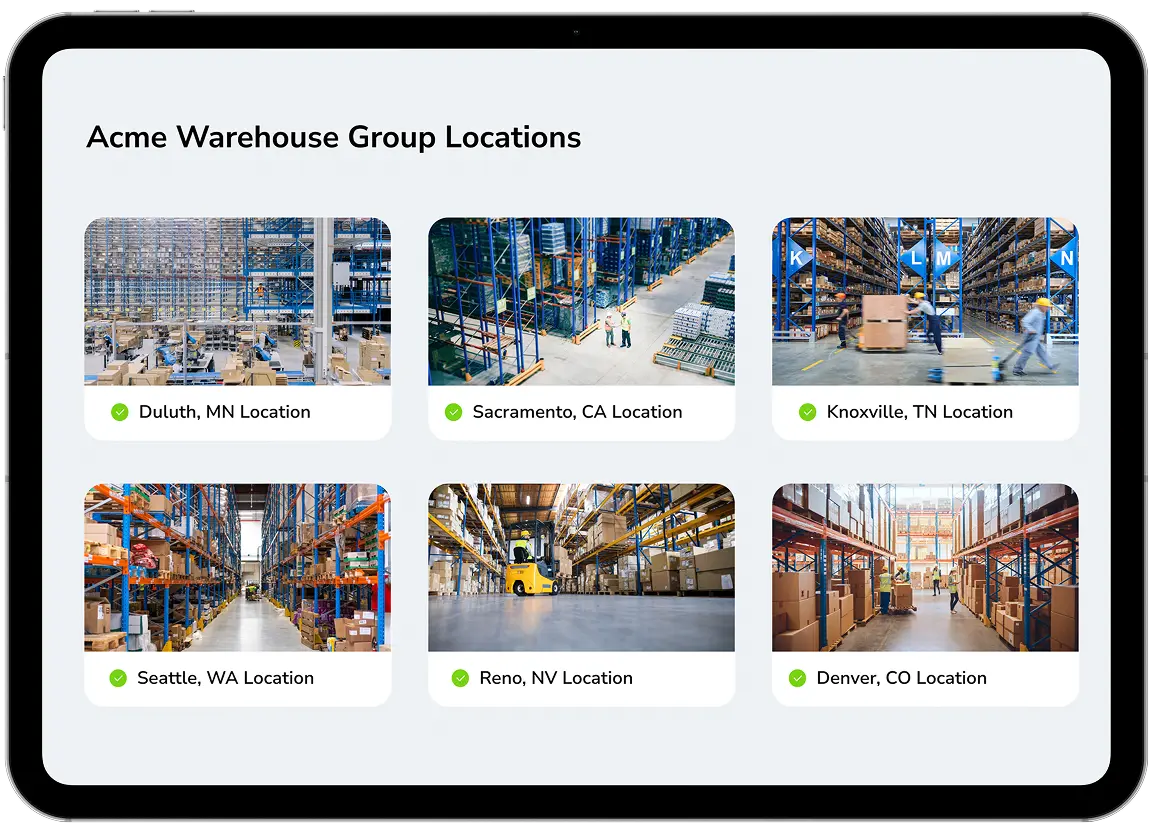
View Monitored Cameras
See monitored cameras directly in the app so teams can quickly understand what is happening at a site and make more informed decisions in the moment.
Alarm Pad App or TS10?
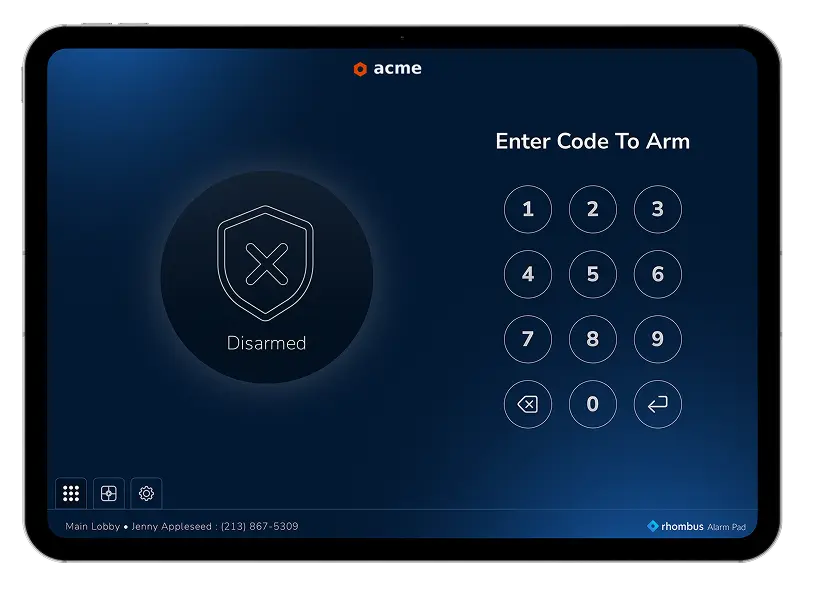
Rhombus Alarm Pad App
Best for organizations that want to reuse existing iPads, need a flexible deployment option, or want added in-app functionality like camera visibility directly from the alarm interface.
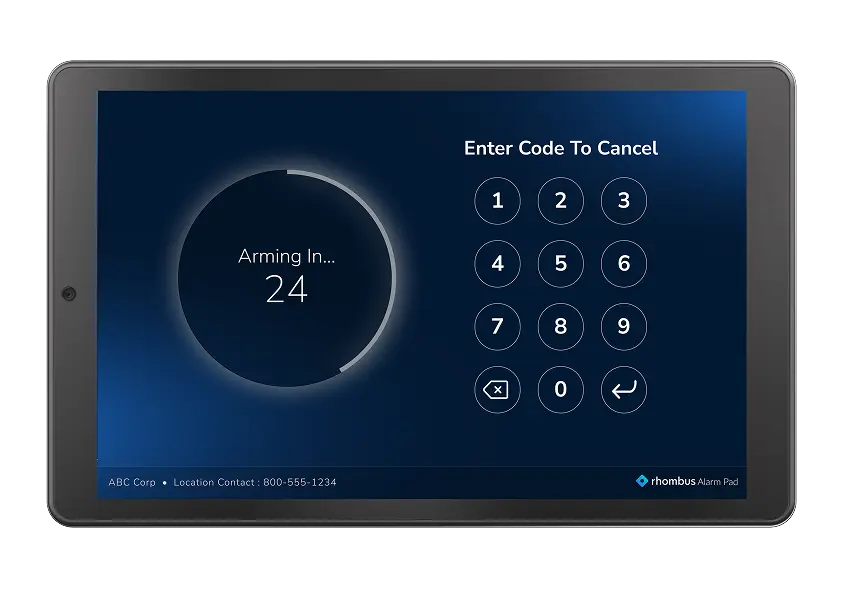
TS10 Alarm Pad
Best for organizations that prefer a purpose-built device designed specifically for alarm management, with a simple, stable experience and PoE connectivity.
Frequently Asked Questions
What is the Rhombus Alarm Pad App?

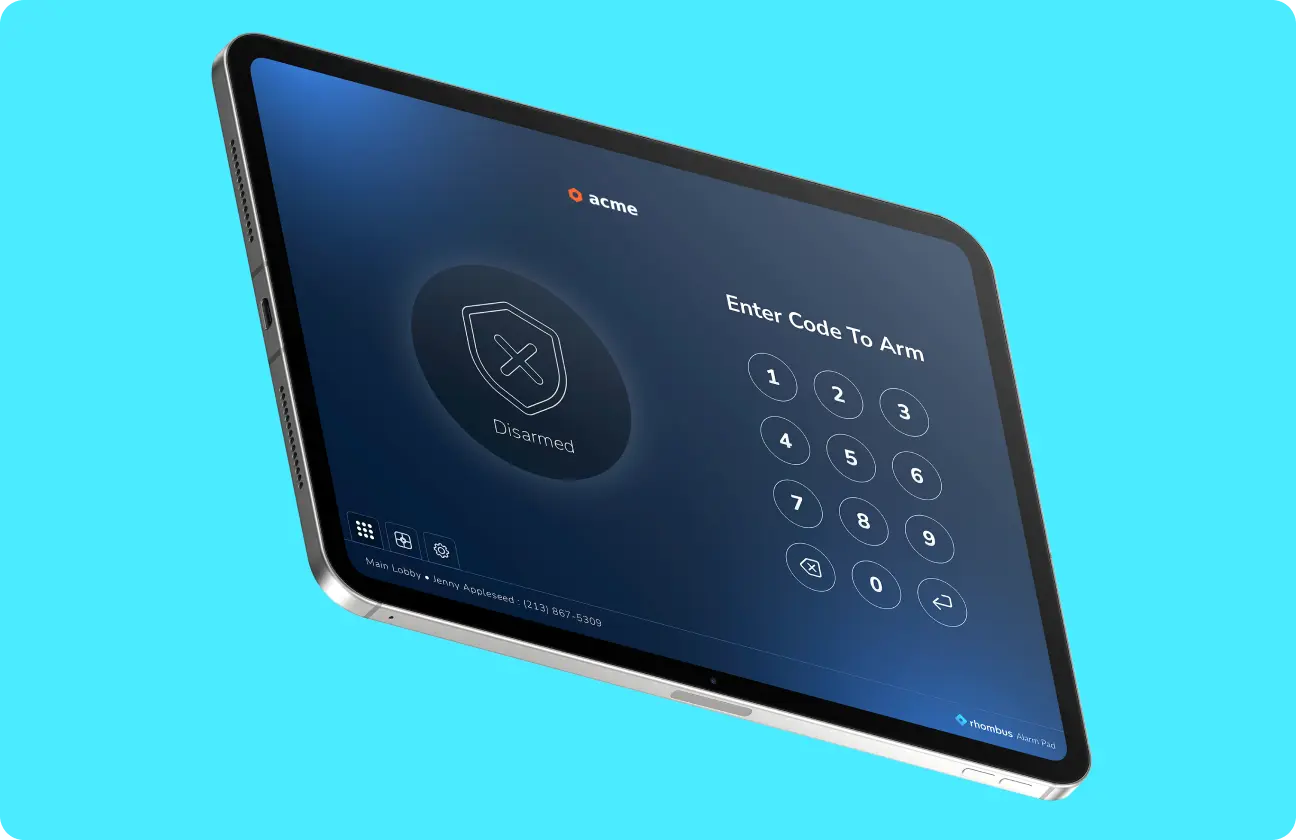
The Rhombus Alarm Pad App is an iPad app that enables authorized users to arm and disarm spaces while also viewing monitored cameras and accessing the location map from the same interface.
Is the Rhombus Alarm Pad App free?
Yes. The Rhombus Alarm Pad App is free to download.
When should I choose the Alarm Pad App instead of TS10?
Choose the Alarm Pad App when you want to repurpose existing iPads, need a flexible deployment option, or want additional in-app functionality such as camera viewing. Choose the TS10 when you want a dedicated alarm device built specifically for alarm management.
See How Rhombus Simplifies Alarm Management
Modernize alarm management with a flexible app experience built for today’s security environments. Download the Rhombus Alarm Pad App or connect with Rhombus to learn more about Alarm Monitoring.